Open Pages
Log in to your WordPress dashboard, then click Pages in the left menu. You'll see every page on your site listed here.
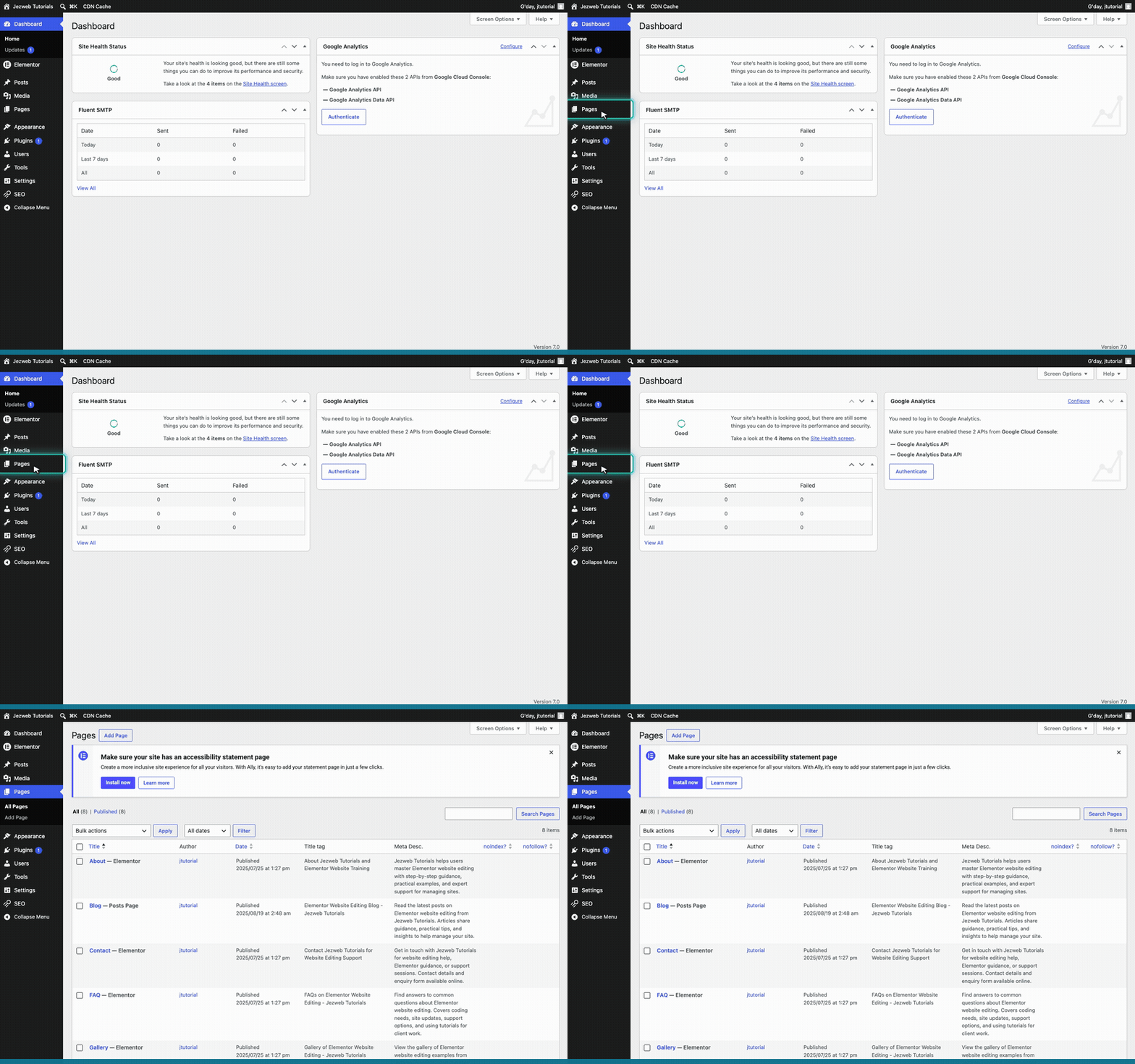
Edit the page with Elementor
Open the page you want to add a section to. We'll use the Home page. Hover over it and click Edit with Elementor. The editor takes a few seconds to open.
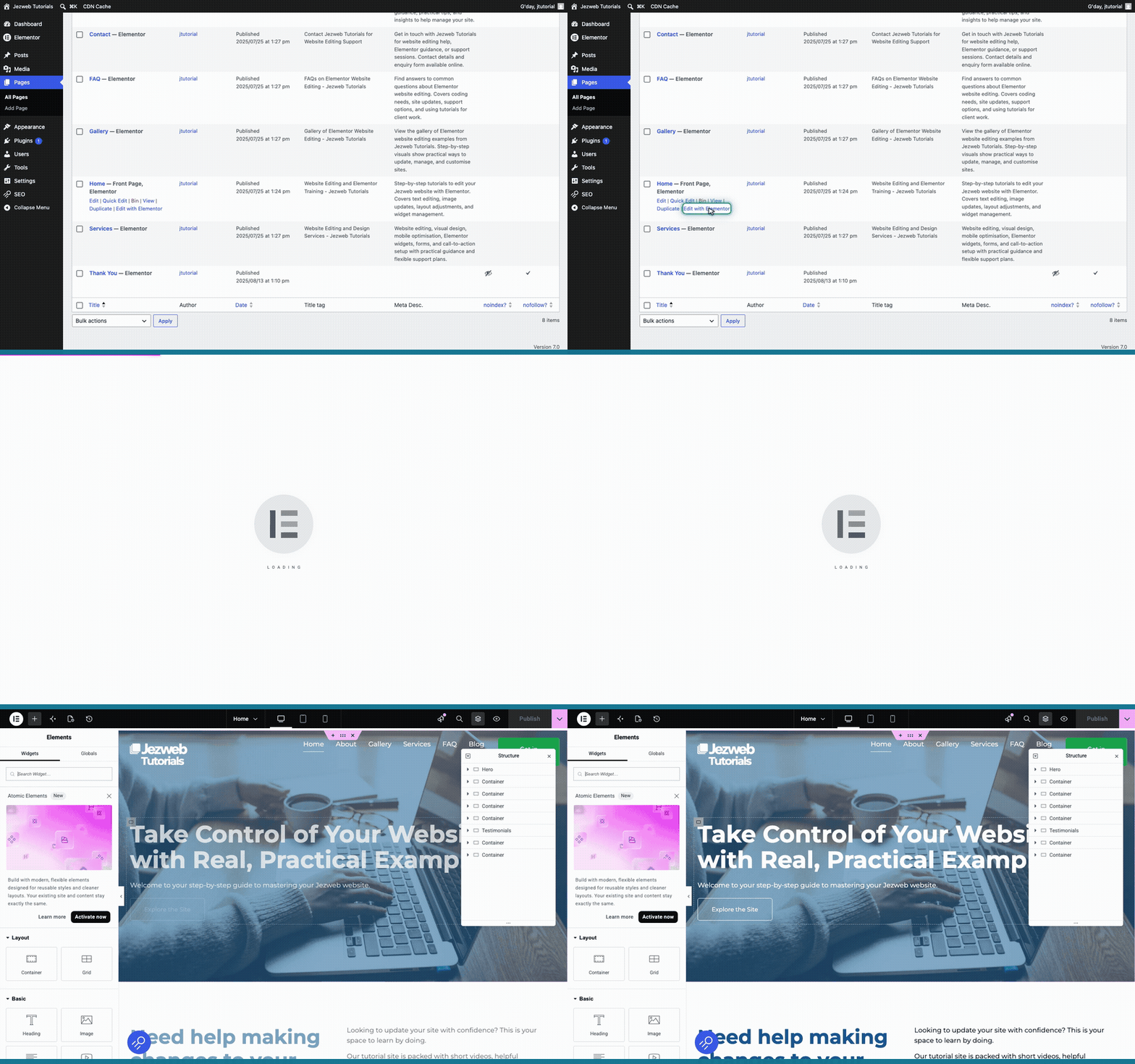
Click the plus button
Scroll right down to the bottom of the page content. You'll see a + button — that's the add-new-section button. Click it to start a new section.
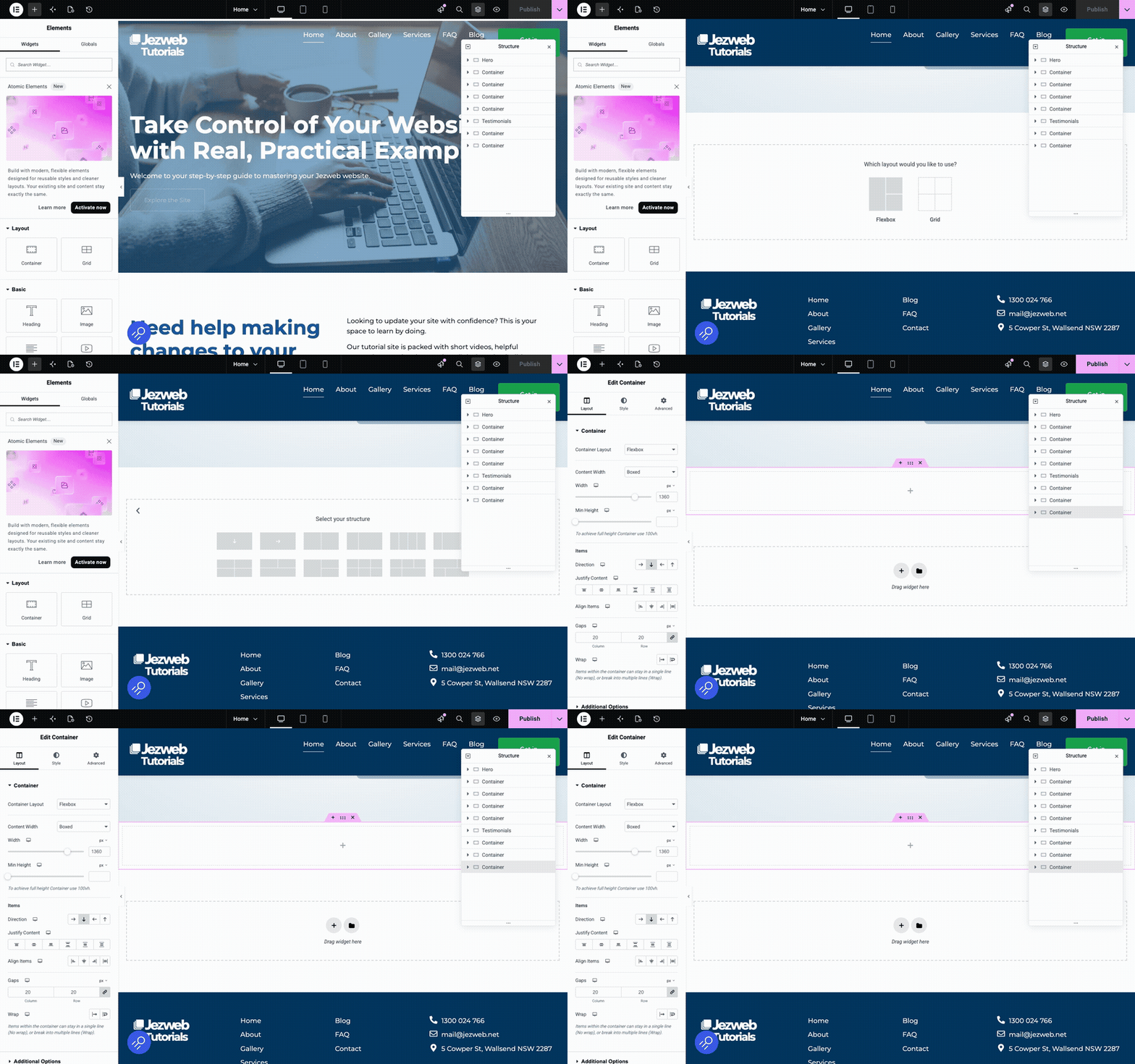
Choose your columns
Elementor shows a row of layout choices. Pick a single column, or split the section into two or three columns side by side — whatever suits your content. Once you choose, you've got an empty section ready to fill.
Tip: a section is just a container. Drag widgets into it from the panel on the left — a heading, text, an image, a button — and arrange them how you like. You can change the column layout again later.
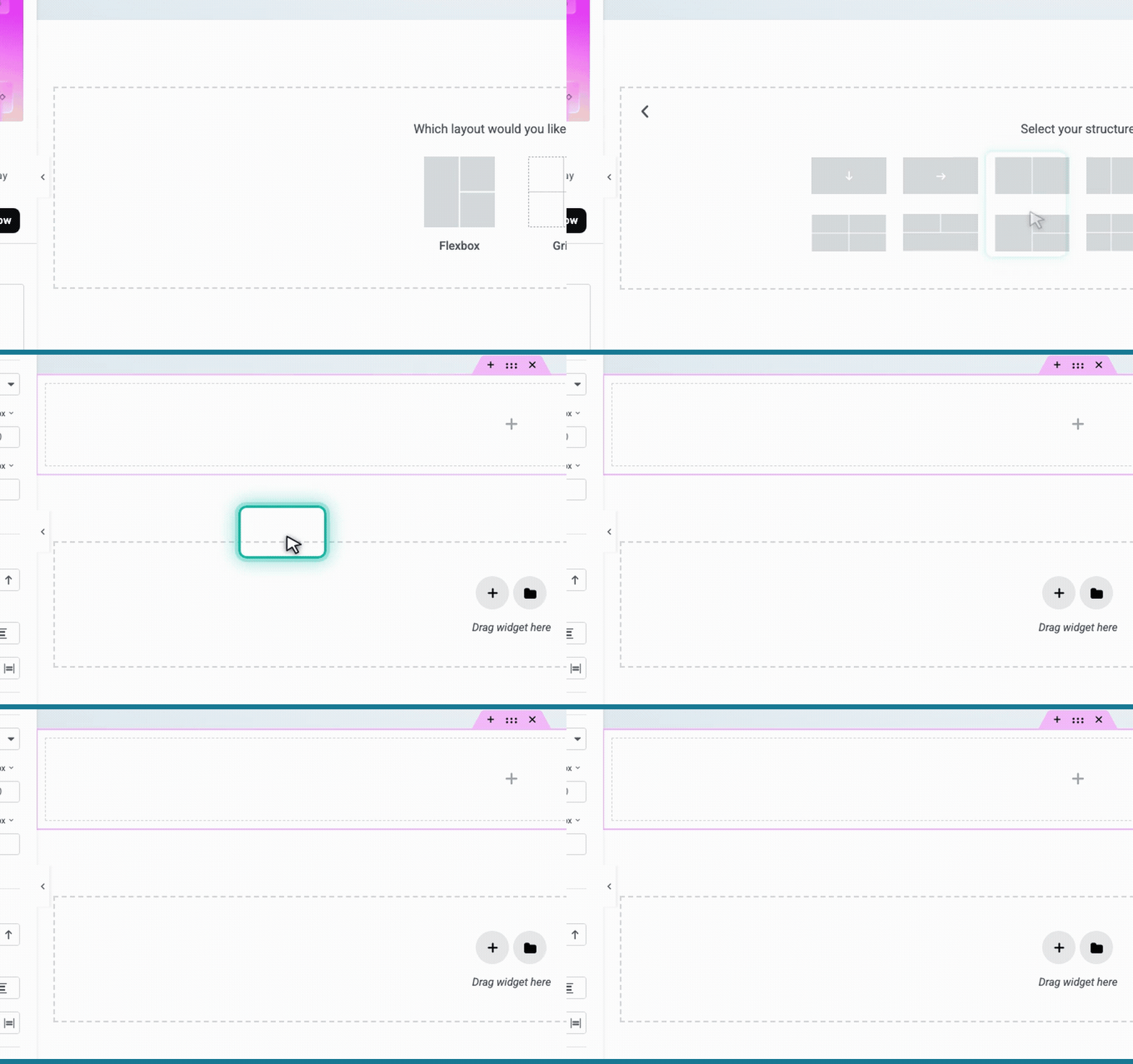
Save your changes
Click the pink button in the top right corner to save your changes and make them live.
