Open Pages
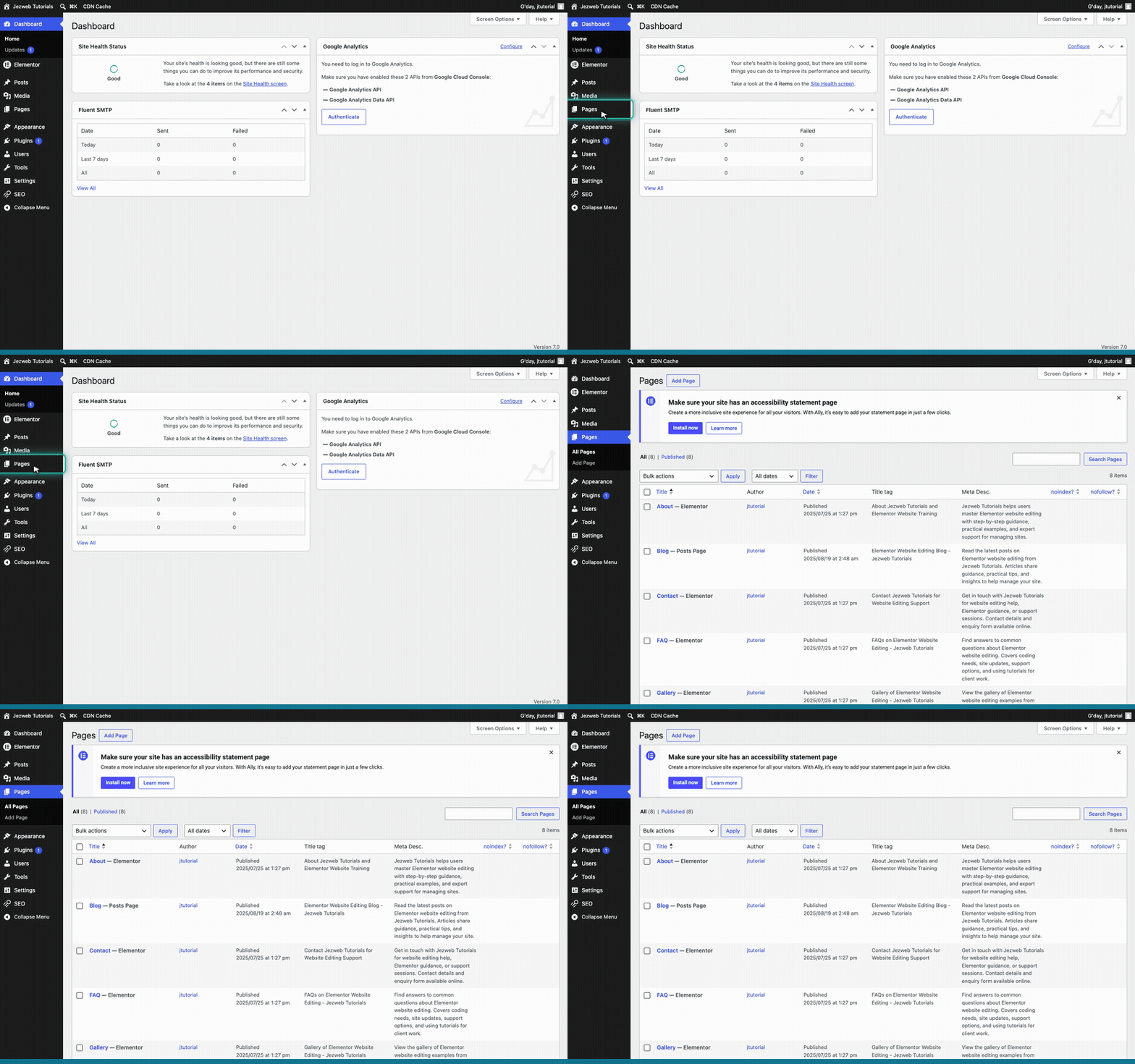
Log in to your WordPress dashboard, then click Pages in the left menu. You'll see every page on your site listed here.
Edit the page with Elementor
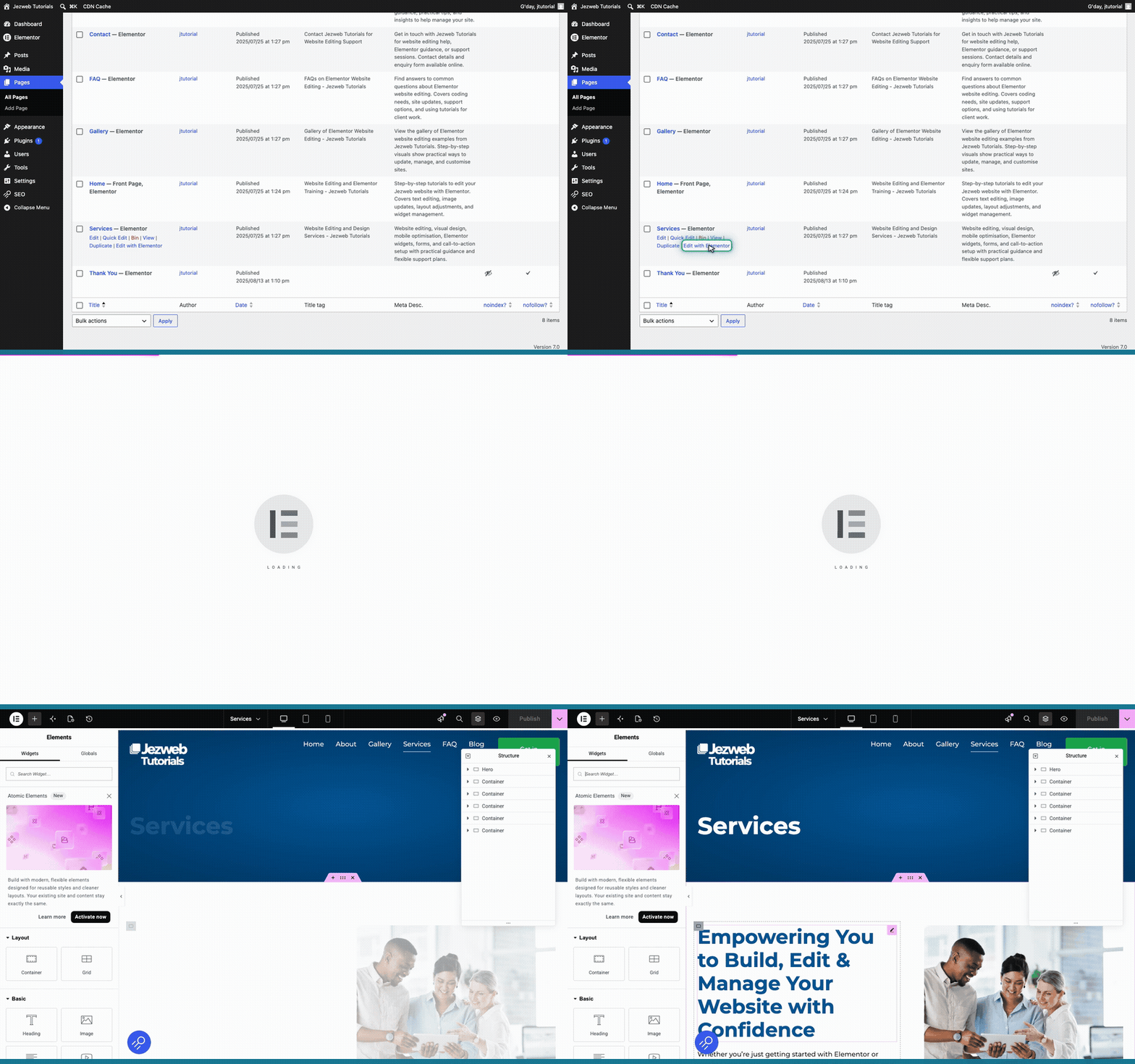
Find the page with the image you want to change. We'll use the Services page. Hover over it and click Edit with Elementor. The editor takes a few seconds to open.
Click the image
To change an image, you click straight on it. Click the image on the page and the image settings open in the panel on the left.
Choose from the Media Library
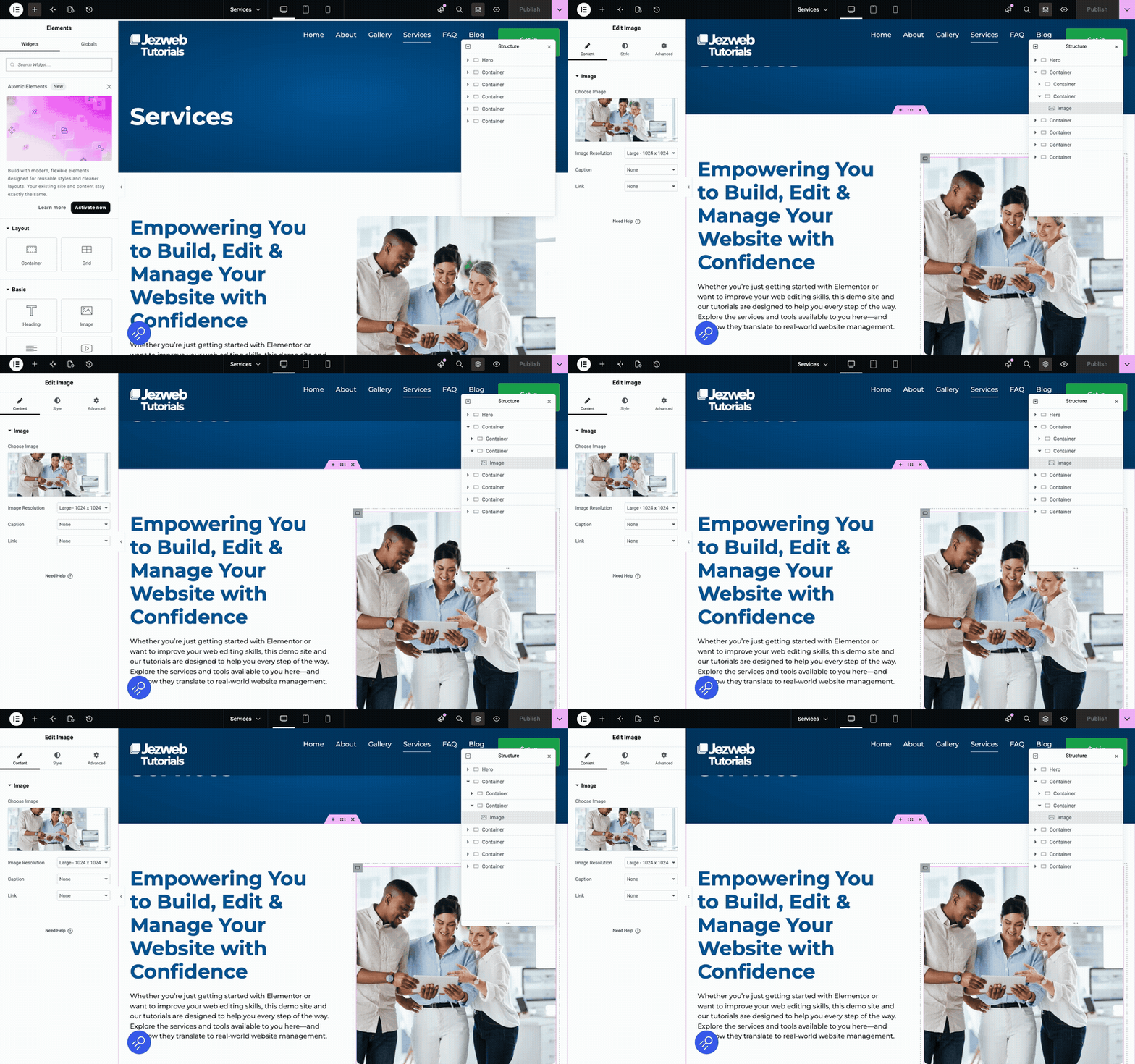
In the panel on the left, click the image box to open your Media Library — this is where every picture you've ever uploaded is stored. Click the picture you want, then click Select in the bottom corner.
Tip: the picture you want might already be in your Media Library — have a look there first. If it isn't, drag the file straight into the window, or use Upload files to add it, then select it. Good images are clear, the right way up, and not too large a file.
Save your changes
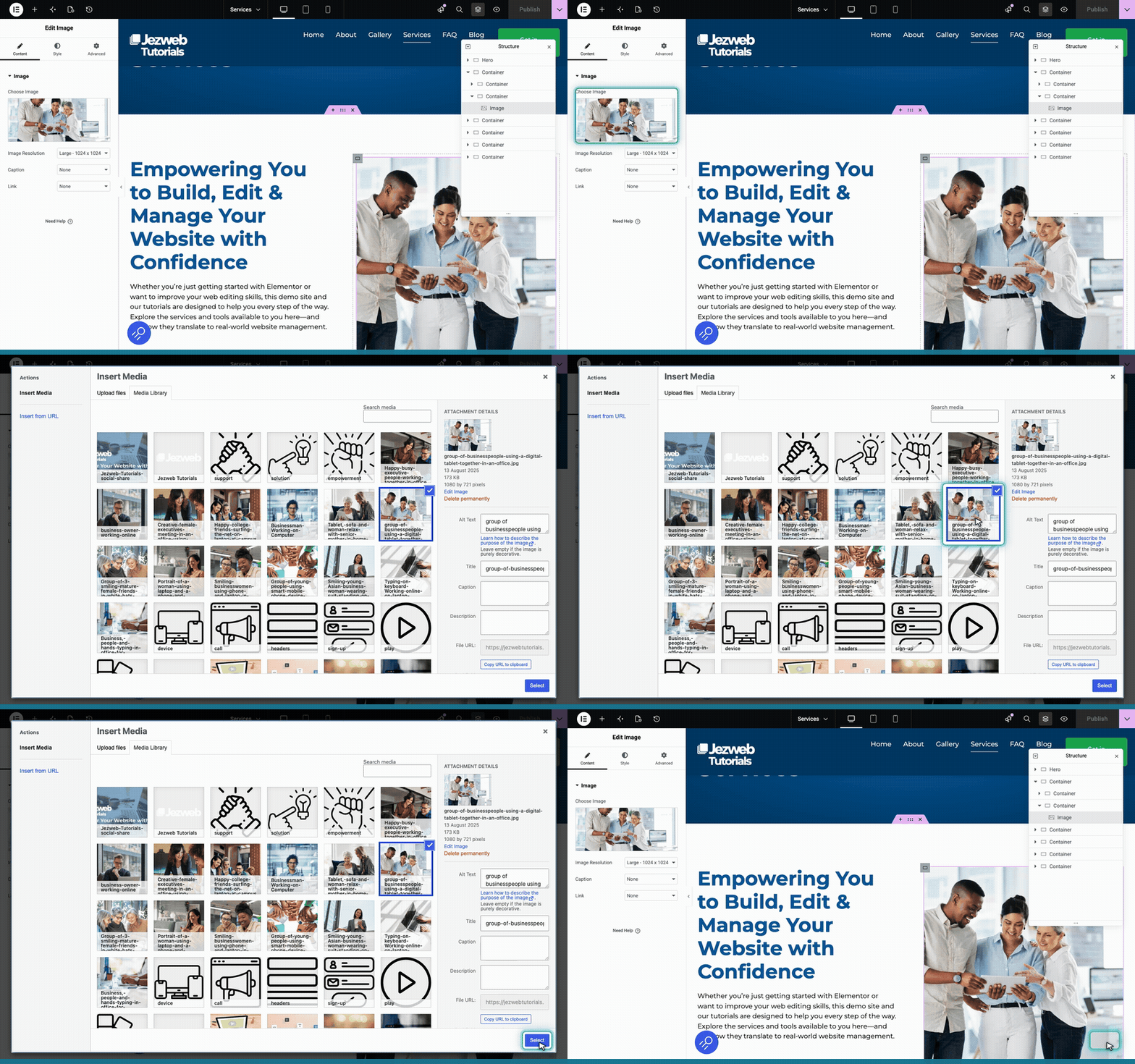
Click the pink button in the top right corner to save your changes and make them live.
