1
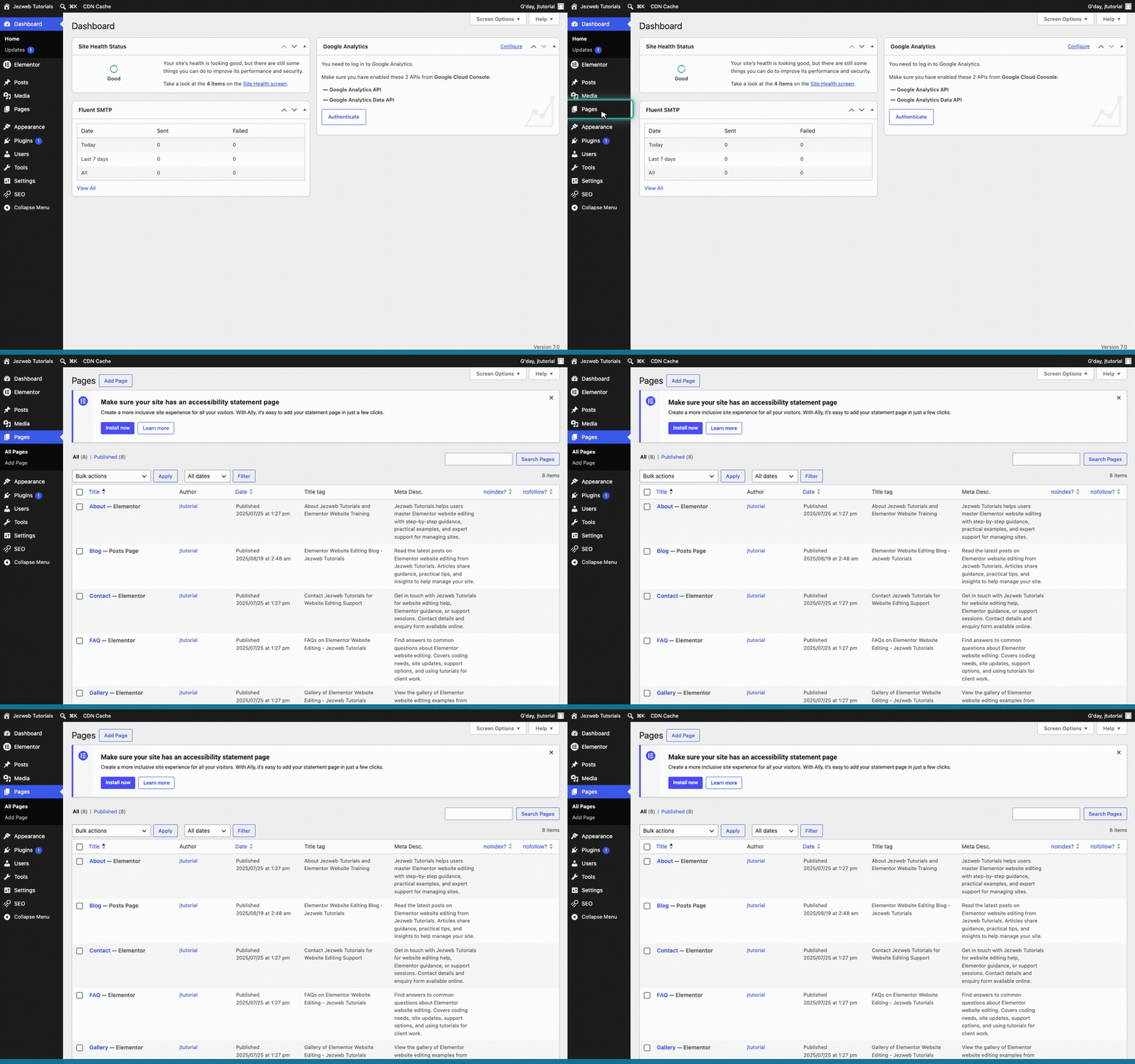
Open Pages
Click on Pages in the left menu to view your website pages.
2
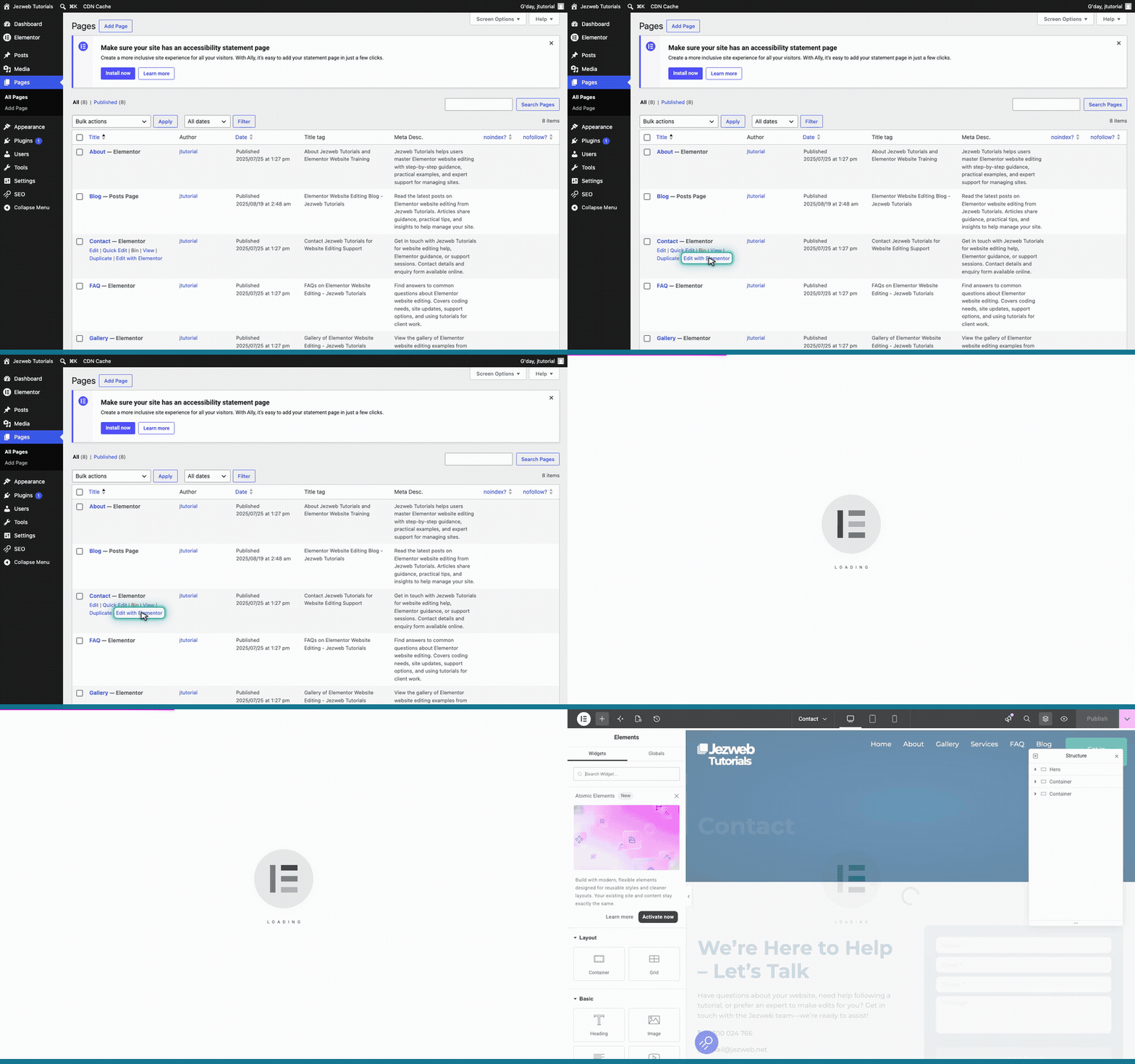
Open the Elementor editor
Find your Contact page, hover over it, and click Edit with Elementor.
3
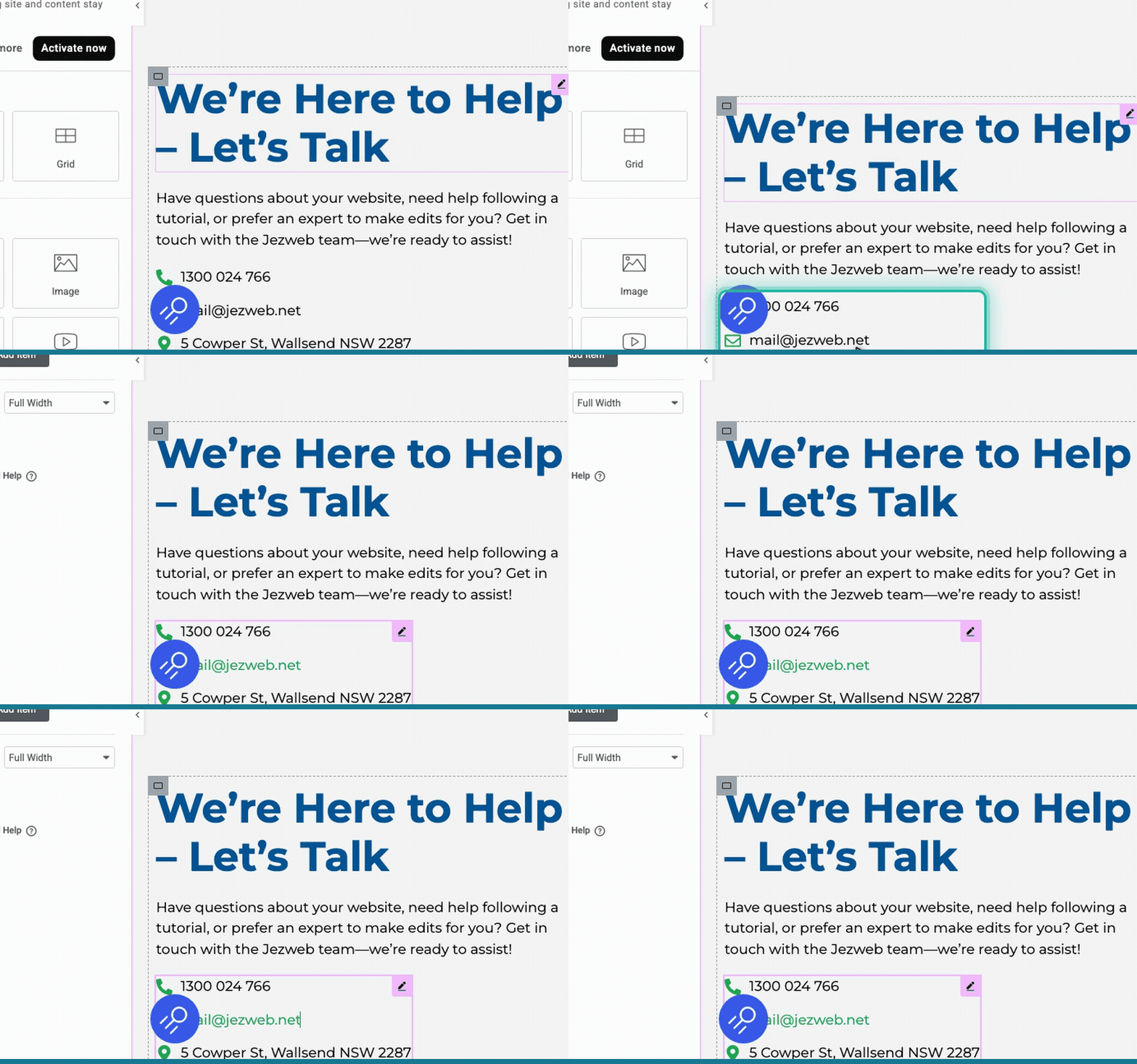
Select the contact details
Click directly on the email address in the main page area.
4
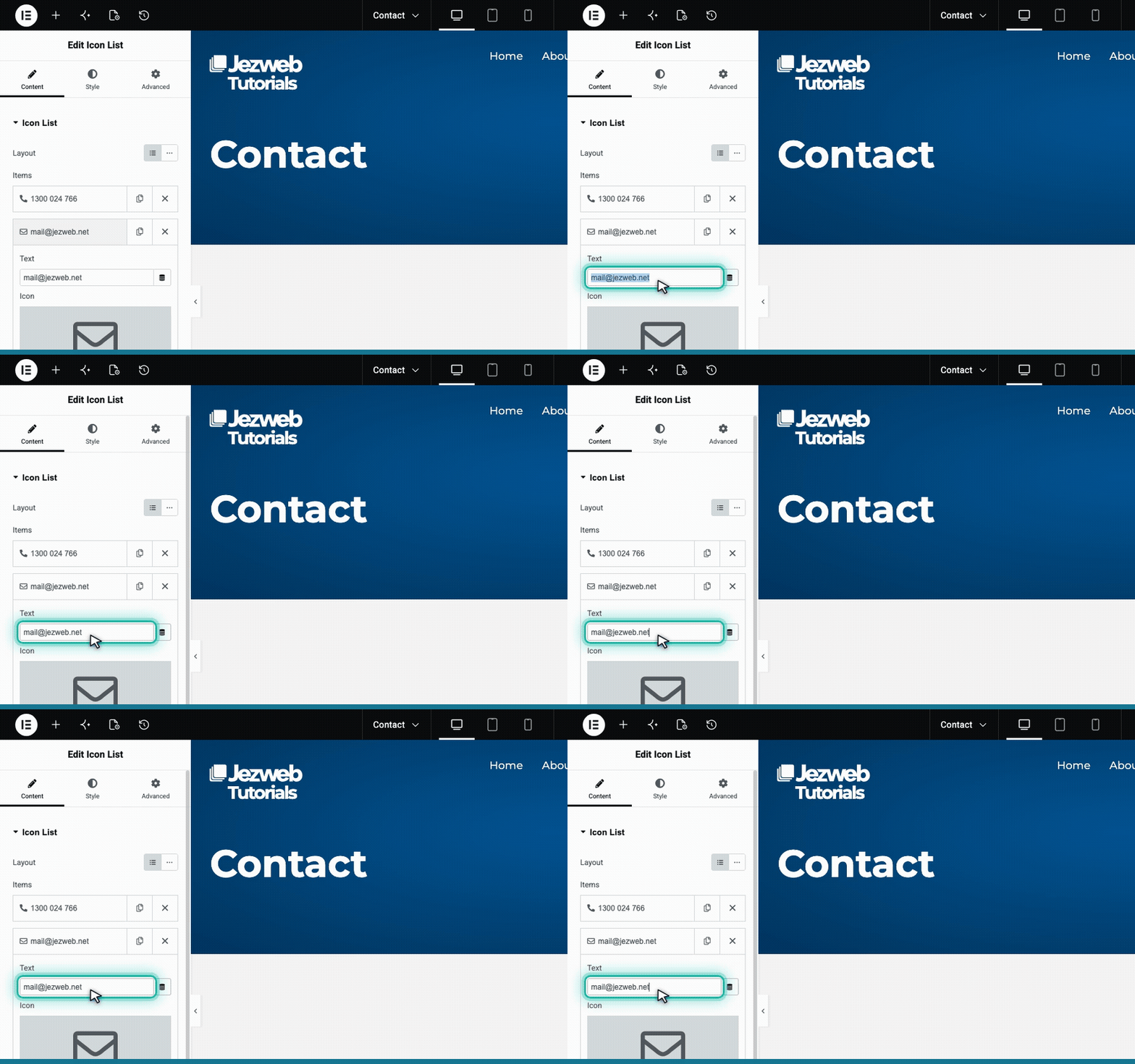
Update the email text
In the left panel, click the row for your email address to expand it. Type your new email into the Text field.
5
Save your changes
Click the pink button in the top right corner to save your changes and make them live.

Tip: If your email address is also shown in the website footer at the very bottom, you will need to update it there separately.