← All guides

How to edit a button

jezwebtutorials.com.au · Elementor · about 1 minute · guide generated 2026-06-17

Buttons are how visitors get from one part of your site to another, so getting the wording and the destination right matters. In Elementor, the page builder your site uses, a button has two parts you can change: the Text it shows, and the Link it opens. This short guide walks you through both.

▶ Watch the narrated walkthrough (with audio), jump to a step, or follow the written steps below.

1

Open Pages

Log in to your WordPress dashboard, then click Pages in the left menu. You'll see every page on your site listed here.
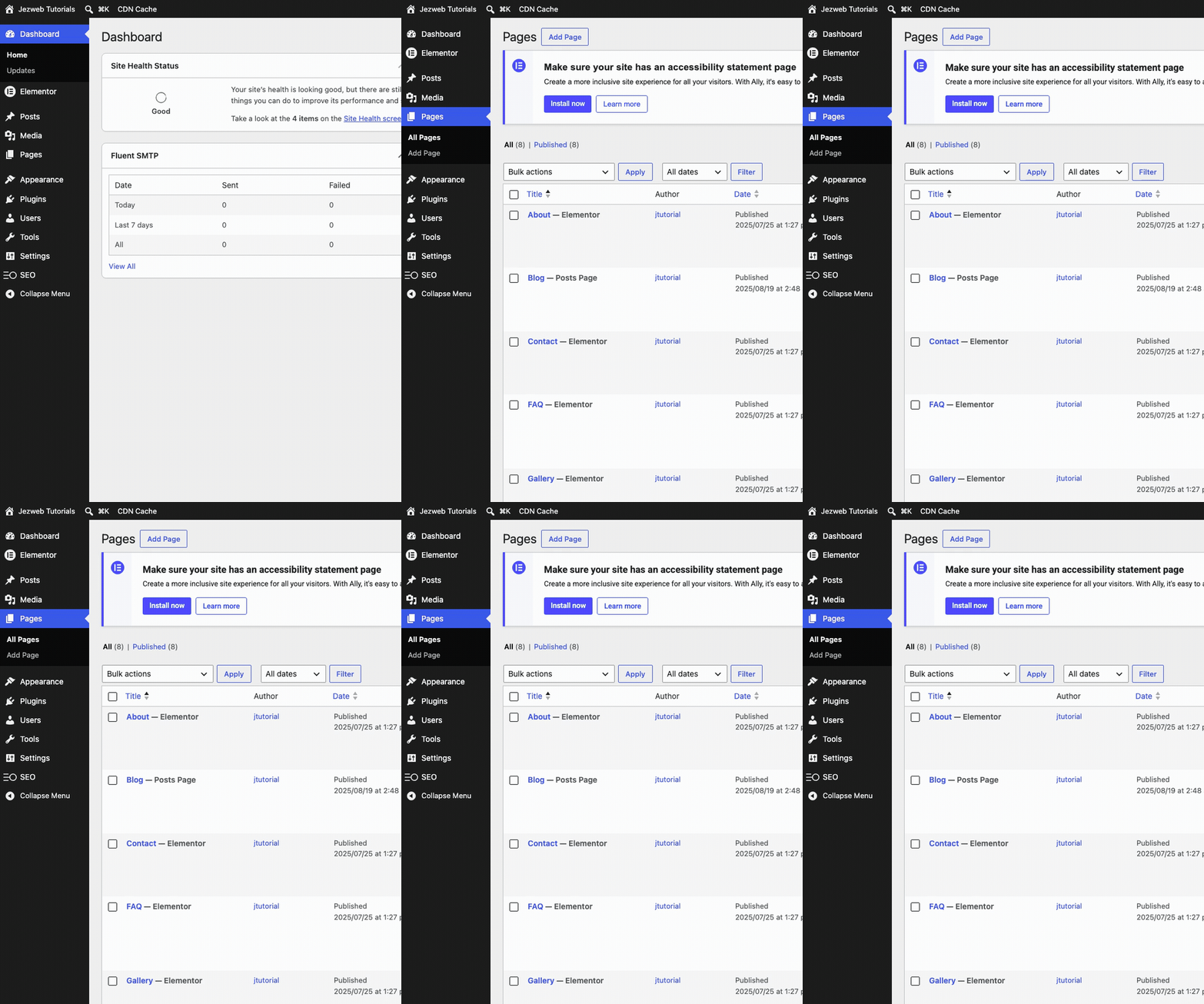
Step 1: Open Pages (animation)
2

Edit the page with Elementor

Find the page with the button you want to change. We'll use the Home page. Hover over it and click Edit with Elementor. The editor takes a few seconds to open.
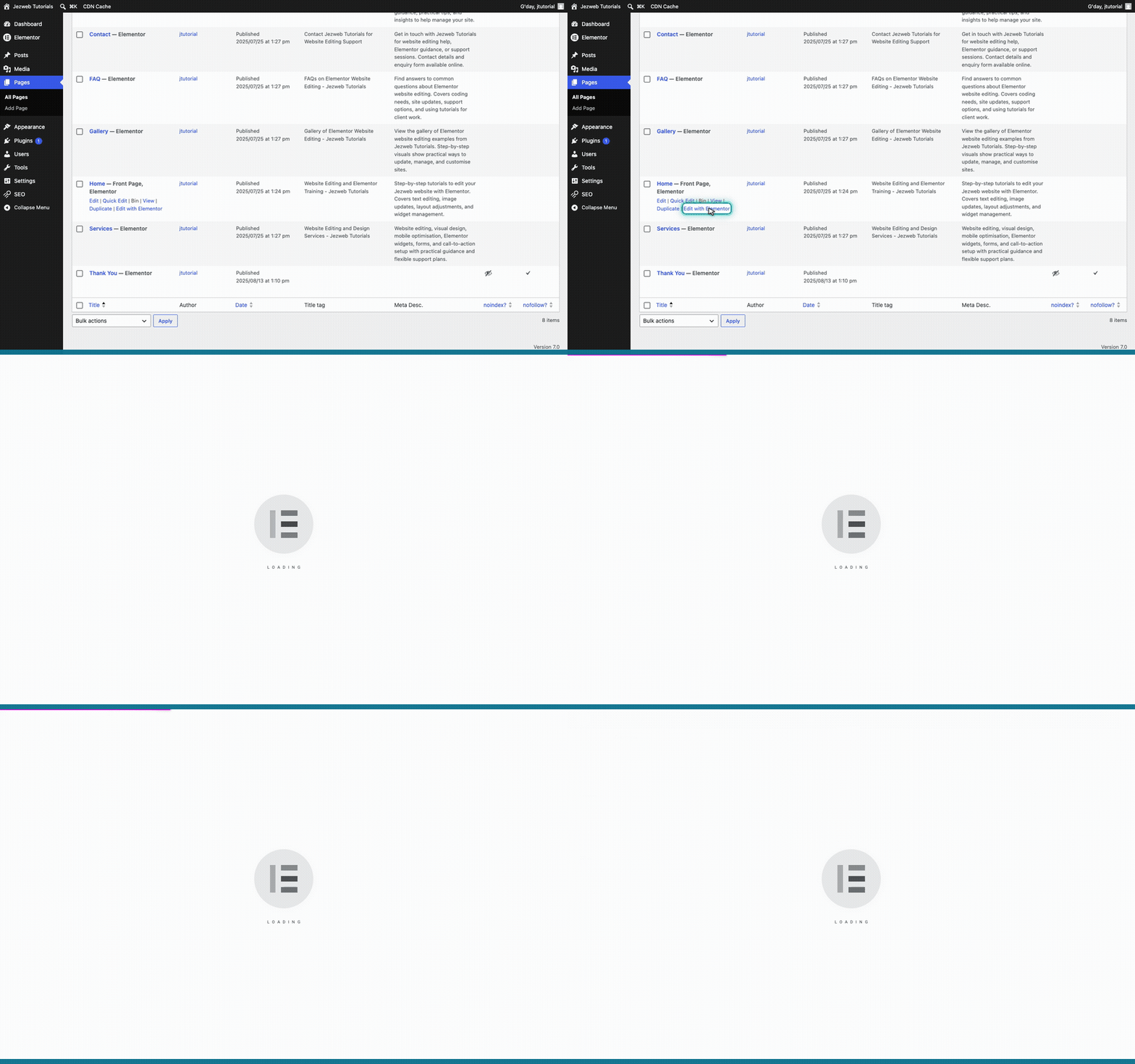
Step 2: Edit the page with Elementor
3

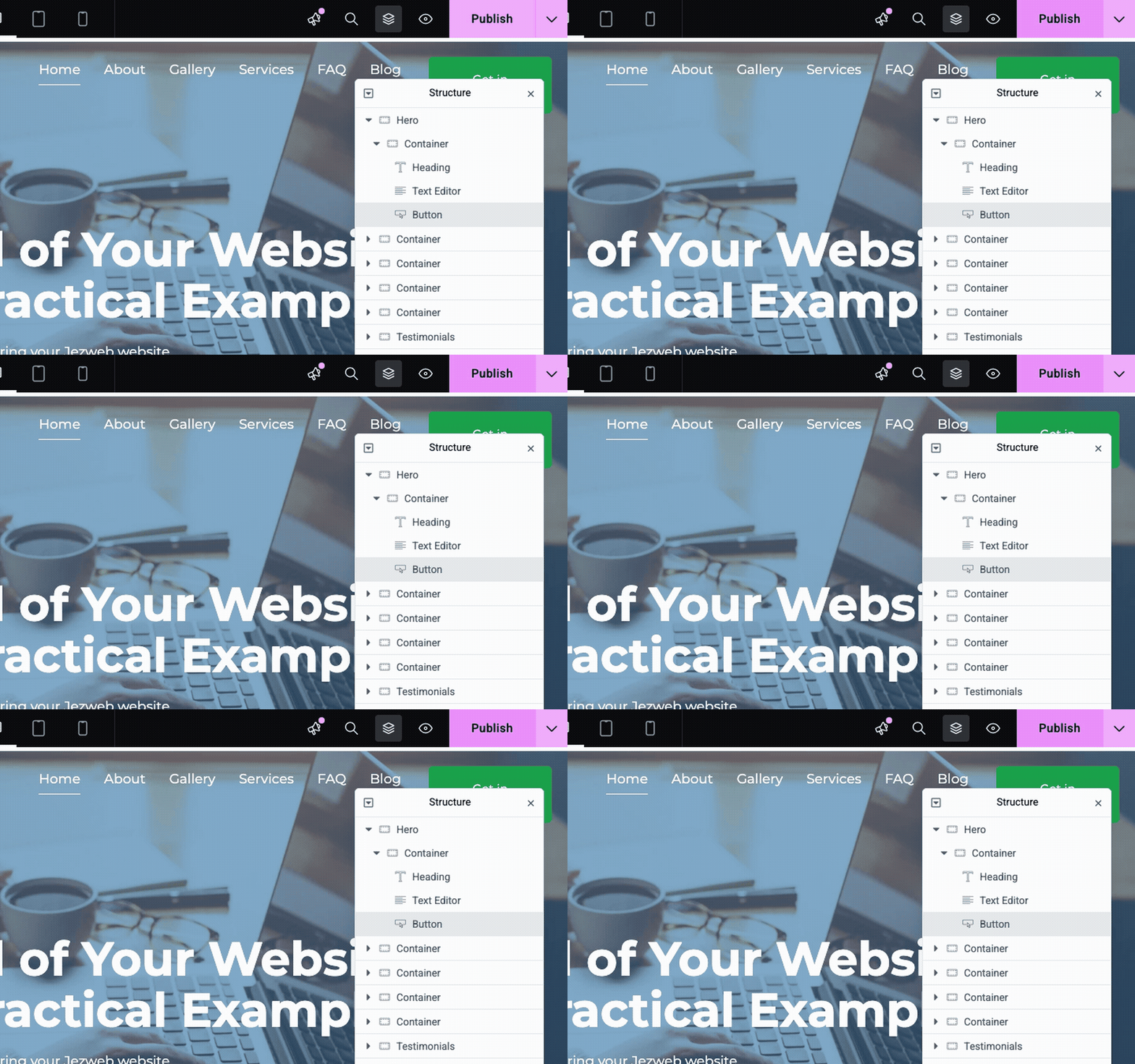
Click the button

To change a button, you click straight on it. Click the Explore the Site button in the hero at the top of the page.
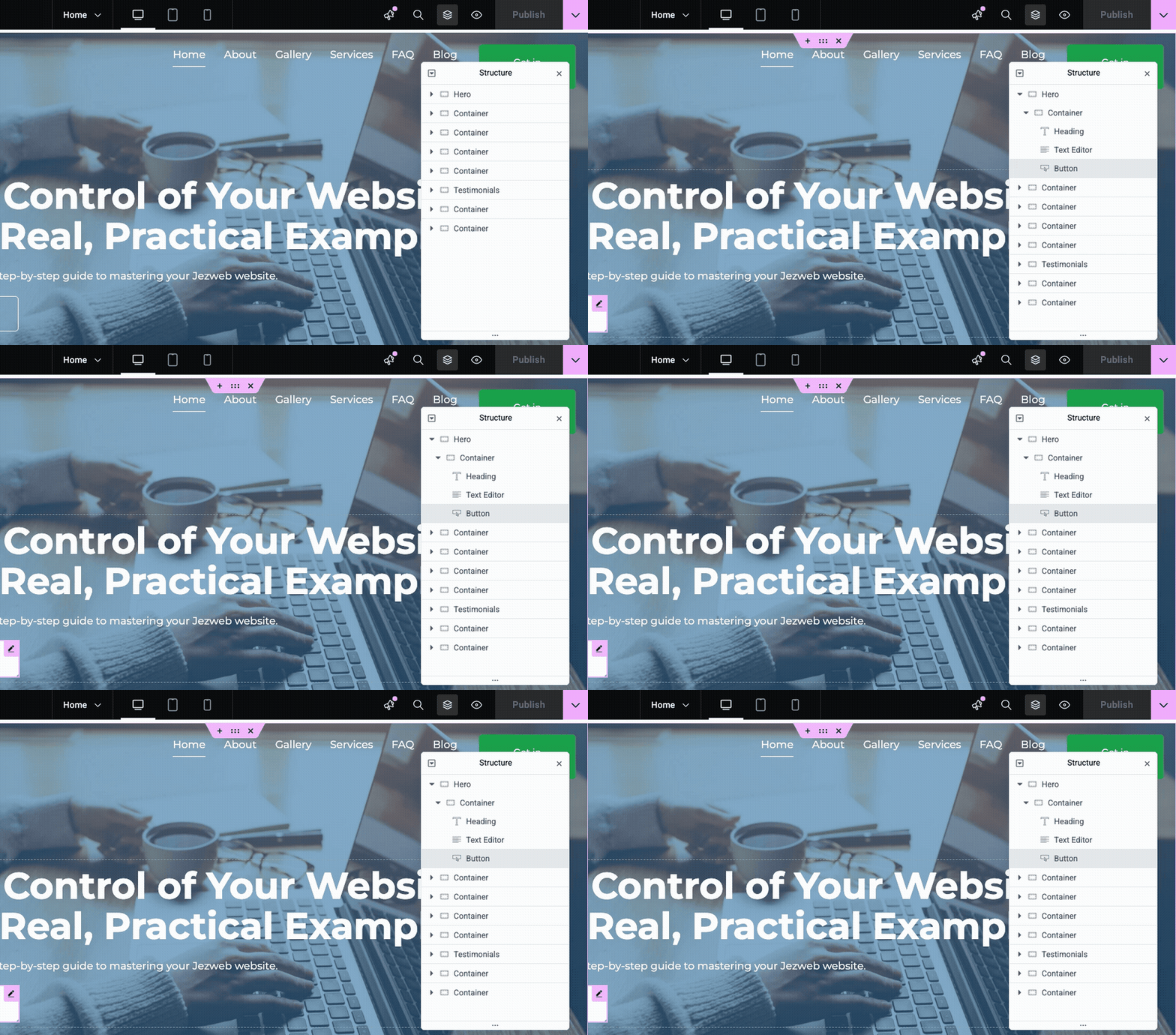
Step 3: Click the button (animation)
4

Edit the Text and the Link

On the left, two boxes appear. The Text box holds the words shown on the button — change these to rename it. The Link box holds the web address the button opens — paste or type a new URL here to send people somewhere else.
Tip: a button always has both a Text and a Link. The Text is what people read; the Link is where they land. Update either one, or both.
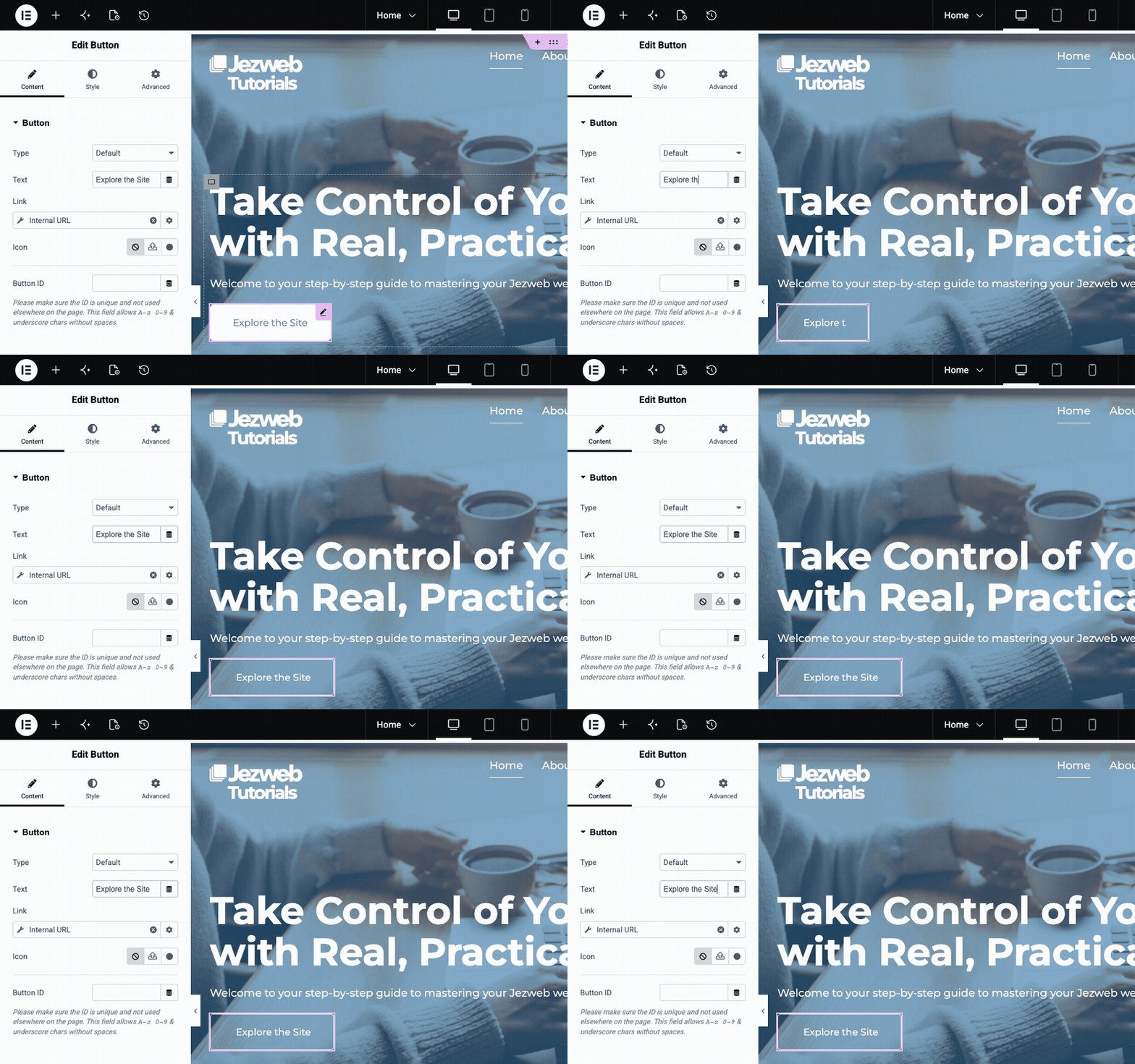
Step 4: Edit the Text and the Link (animation)
5

Save your changes

When you're happy, click the Update button in the top right corner. On a brand new page it says Publish instead, but it's the same button. Either way, your changes go live straight away.

Step 5: Save your changes (animation)
The pattern is always the same: click the button on the page, then edit its Text and Link in the panel on the left, then Update. If a button won't select, like one in the header, footer or a popup, it usually lives in a site template. Just reach out and we'll point you to the right spot.