← All guides

How to edit a heading on your page

jezwebtutorials.com.au · Elementor · about 1 minute · guide generated 2026-06-24

Welcome to this quick tutorial. Today we are going to look at how to change a heading on your Services page. It is a straightforward process that you can do right on the page itself.

▶ Watch the narrated walkthrough (with audio), jump to a step, or follow the written steps below.

1

Open Pages

Click on Pages in the left menu to view your website pages.
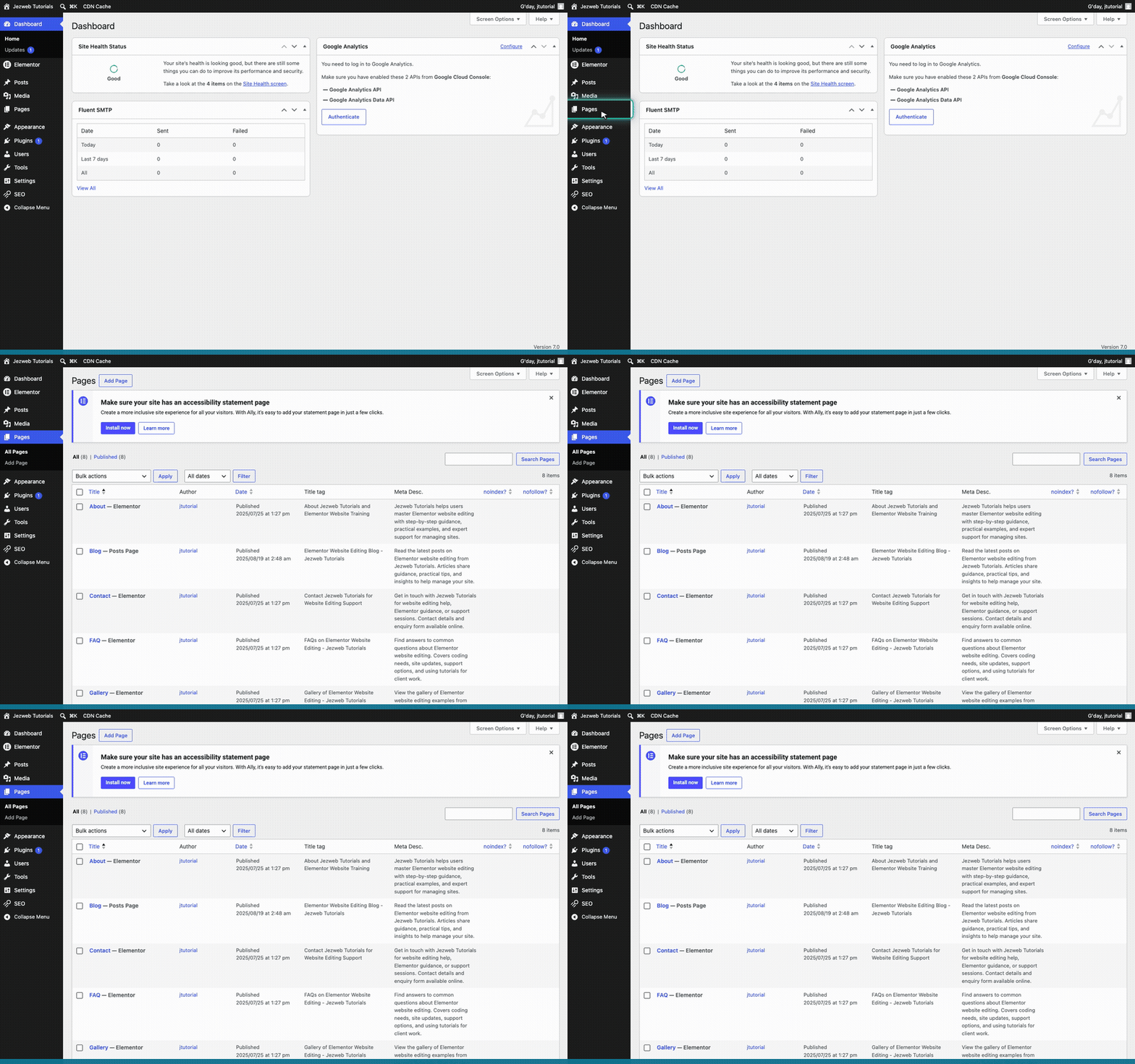
Step 1: Open Pages (animation)
2

Open the Elementor editor

Find the Services page in your list. Hover over it and click Edit with Elementor.
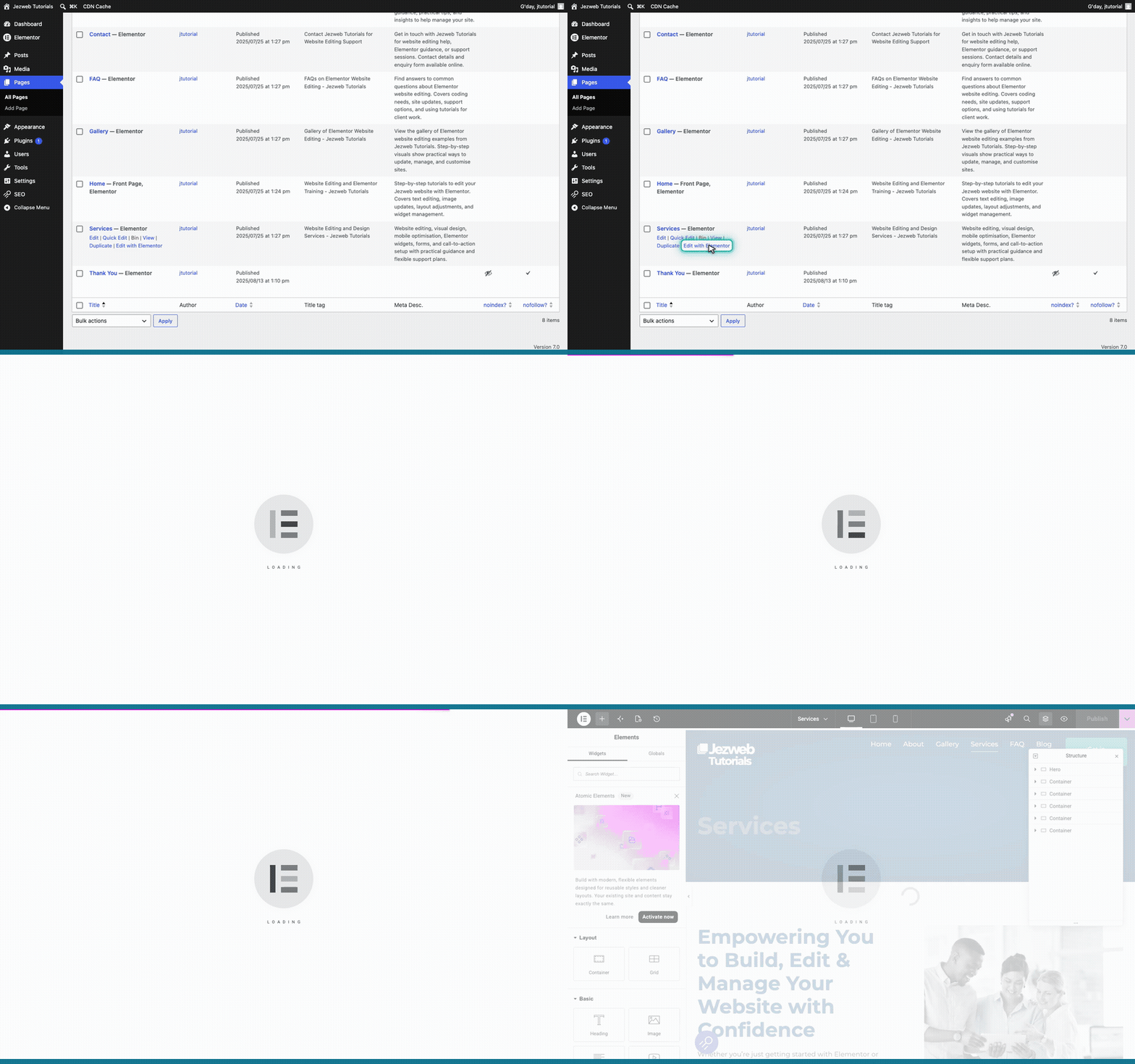
Step 2: Open the Elementor editor (animation)
3

Find your heading

Scroll down the page and click on the Flexible Support Plans heading.
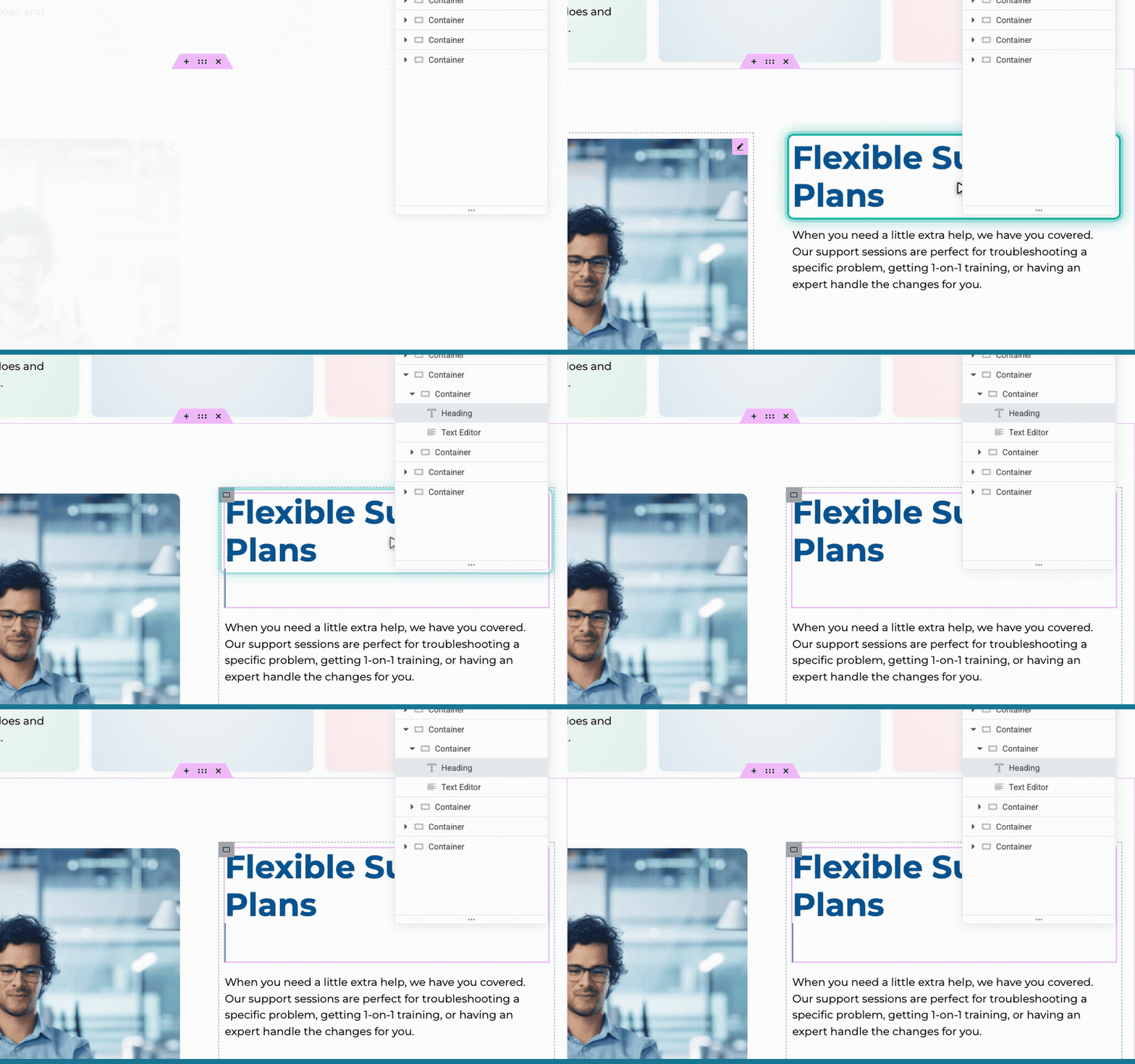
Step 3: Find your heading (animation)
4

Type your new heading

Click directly on the heading text on the page and type your new wording.
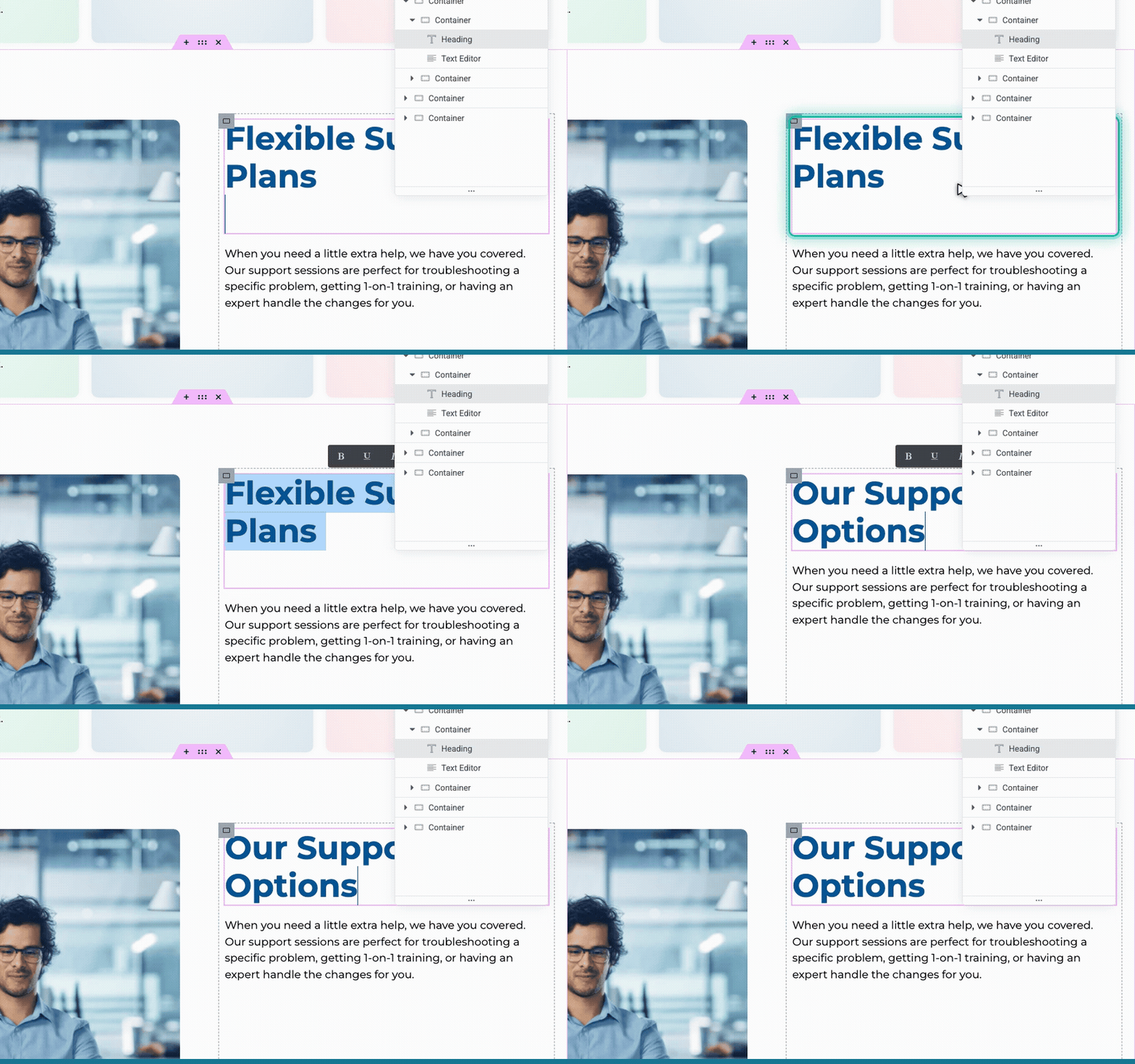
Step 4: Type your new heading (animation)
5

Save your changes

Click the pink button in the top right corner to save your changes and make them live.

Step 5: Save your changes (animation)
Tip: If you make a mistake while typing, you can press Ctrl Z on your Windows keyboard or Cmd Z on a Mac to undo it.