← All guides

How to edit a service feature box

jezwebtutorials.com.au · Elementor · about 1 minute · guide generated 2026-06-24

Today we are going to look at how to update the service feature boxes on your Services page. These are the small blocks with an icon, a title and a short description.

▶ Watch the narrated walkthrough (with audio), jump to a step, or follow the written steps below.

1

Open Pages

Click Pages in the left menu.
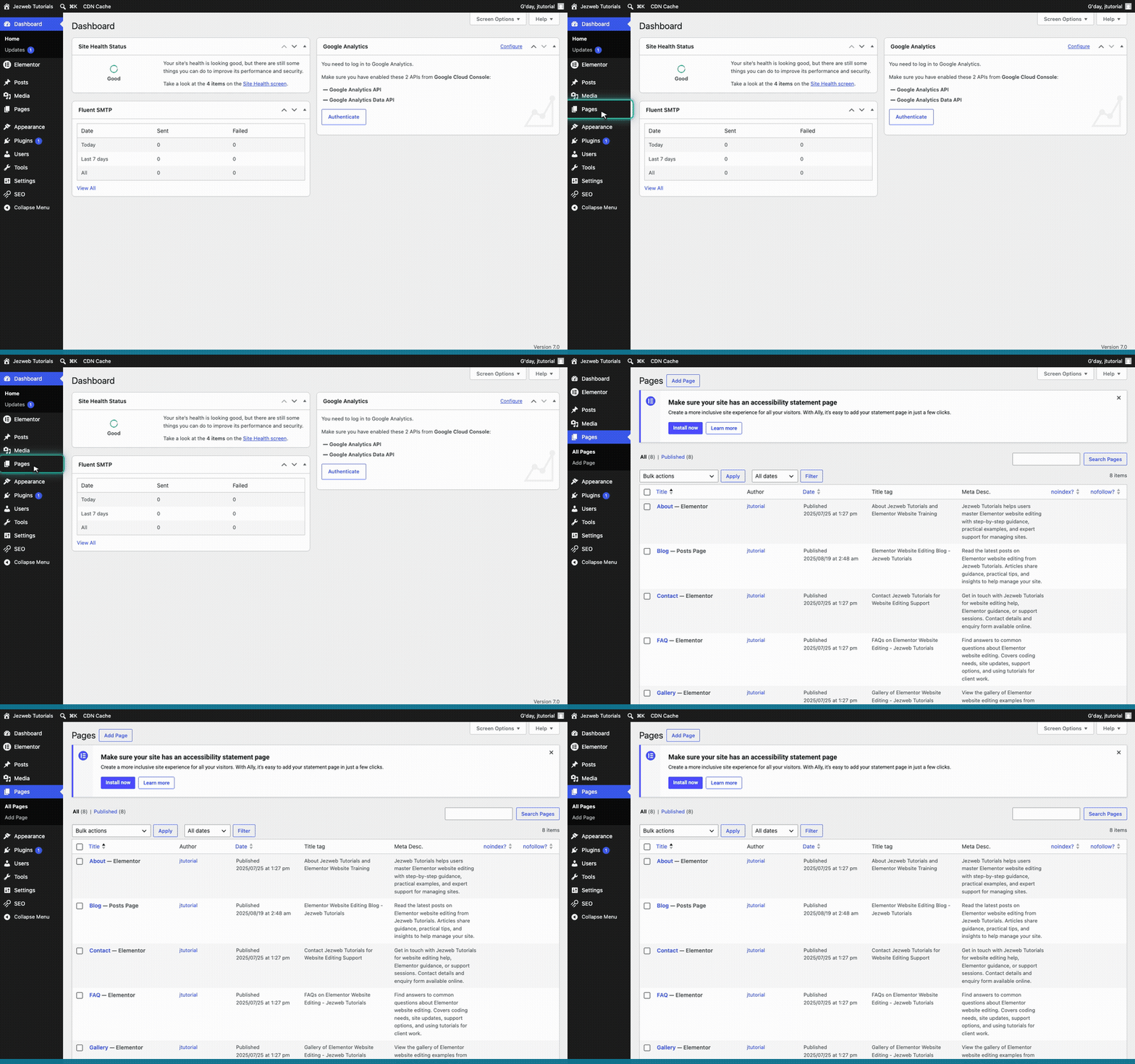
Step 1: Open Pages (animation)
2

Edit with Elementor

Hover over the Services page and click Edit with Elementor.
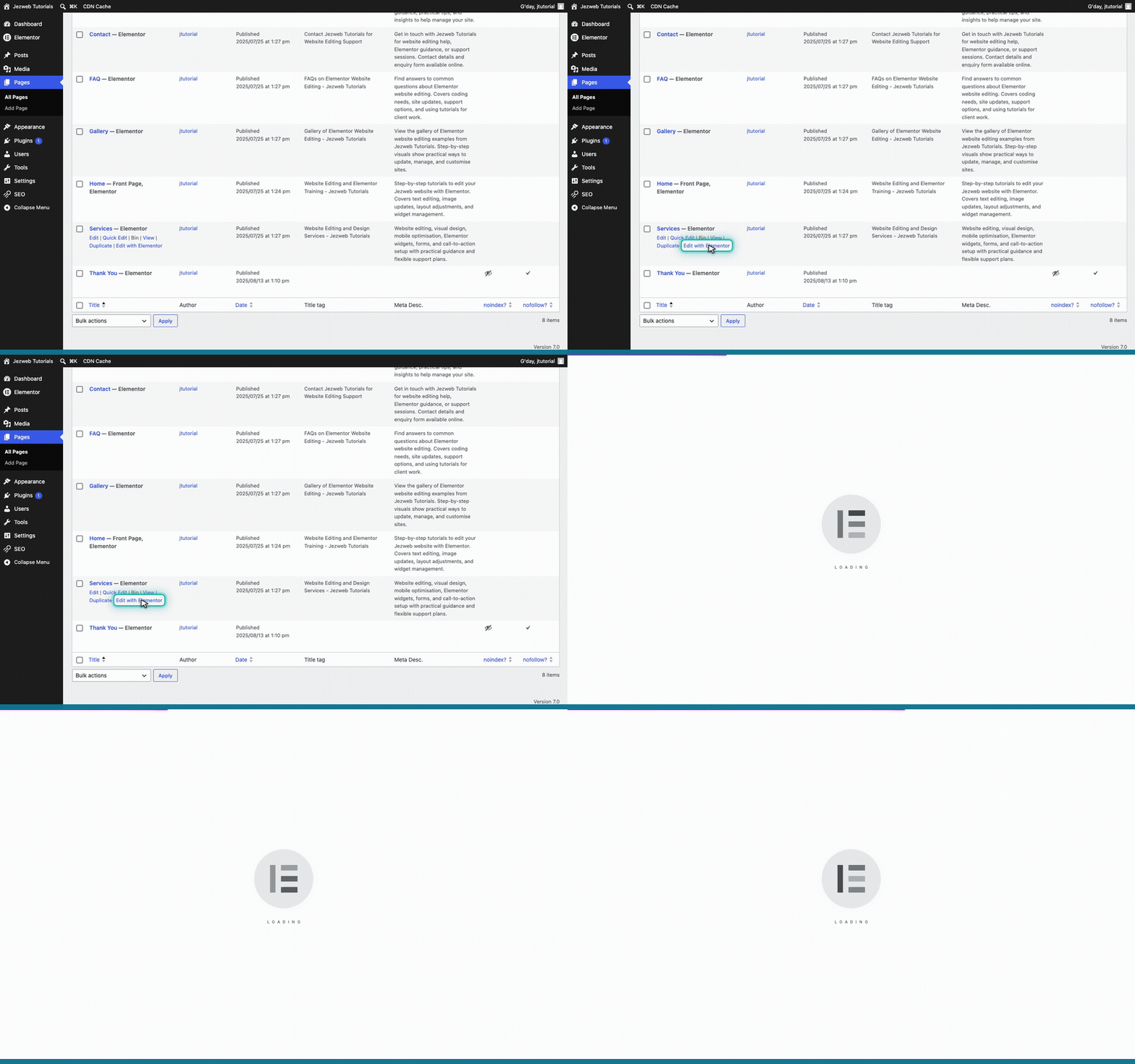
Step 2: Edit with Elementor (animation)
3

Select the feature box

Click on the feature box you want to change.
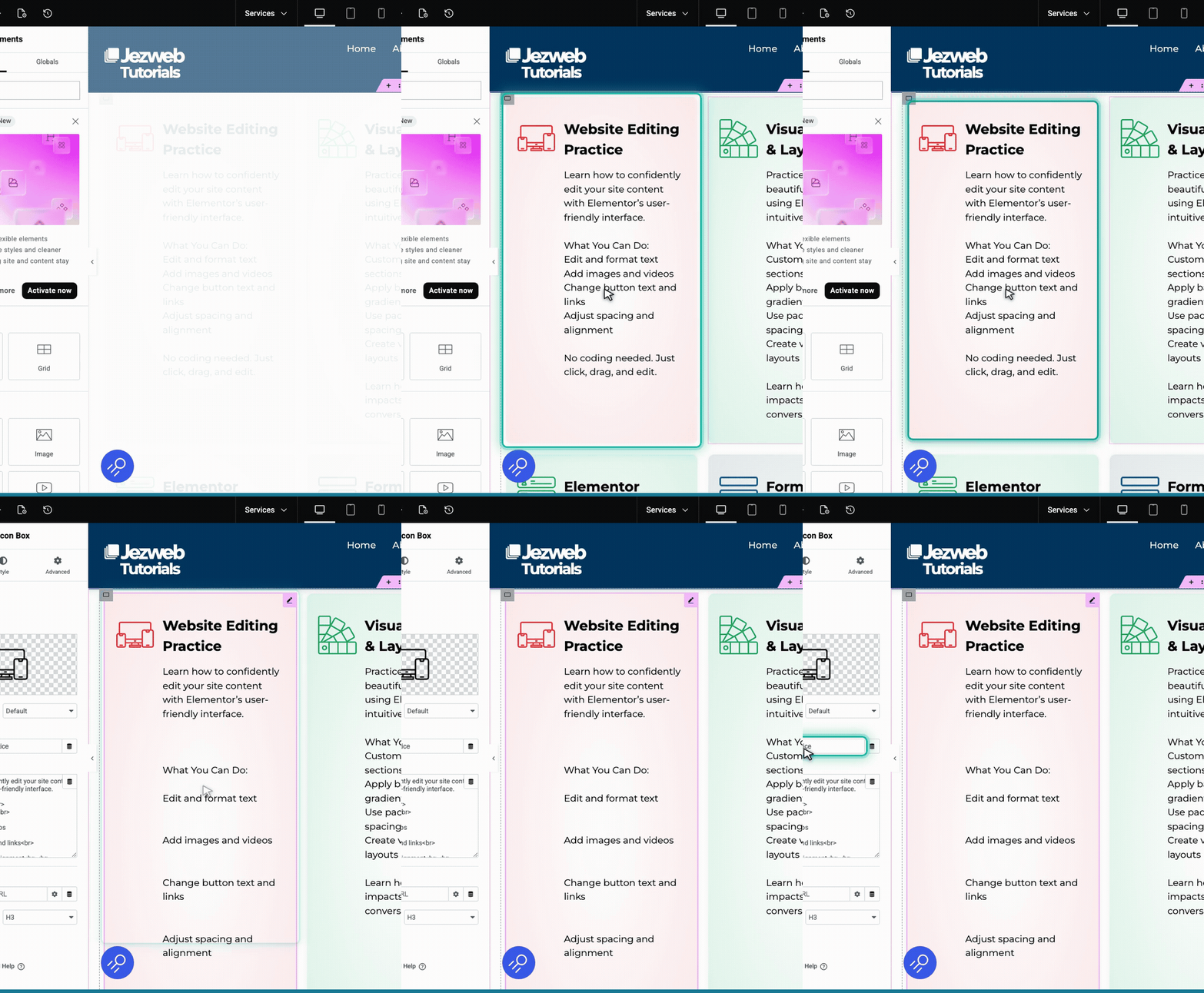
Step 3: Select the feature box (animation)
4

Update the title

In the left panel, find the Title field and type your new heading.
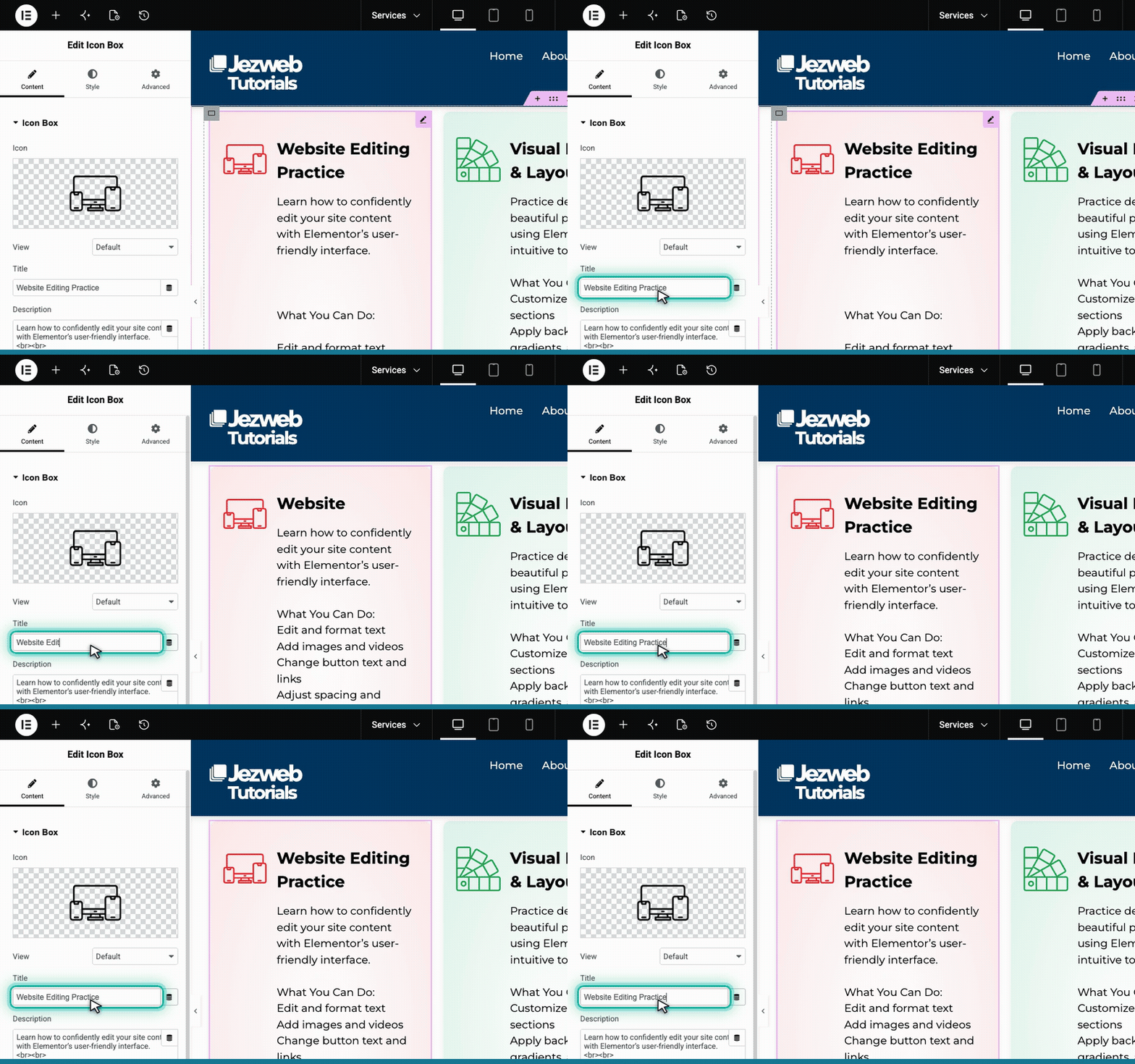
Step 4: Update the title (animation)
5

Update the description

Find the Description box just below the title and type your new text.
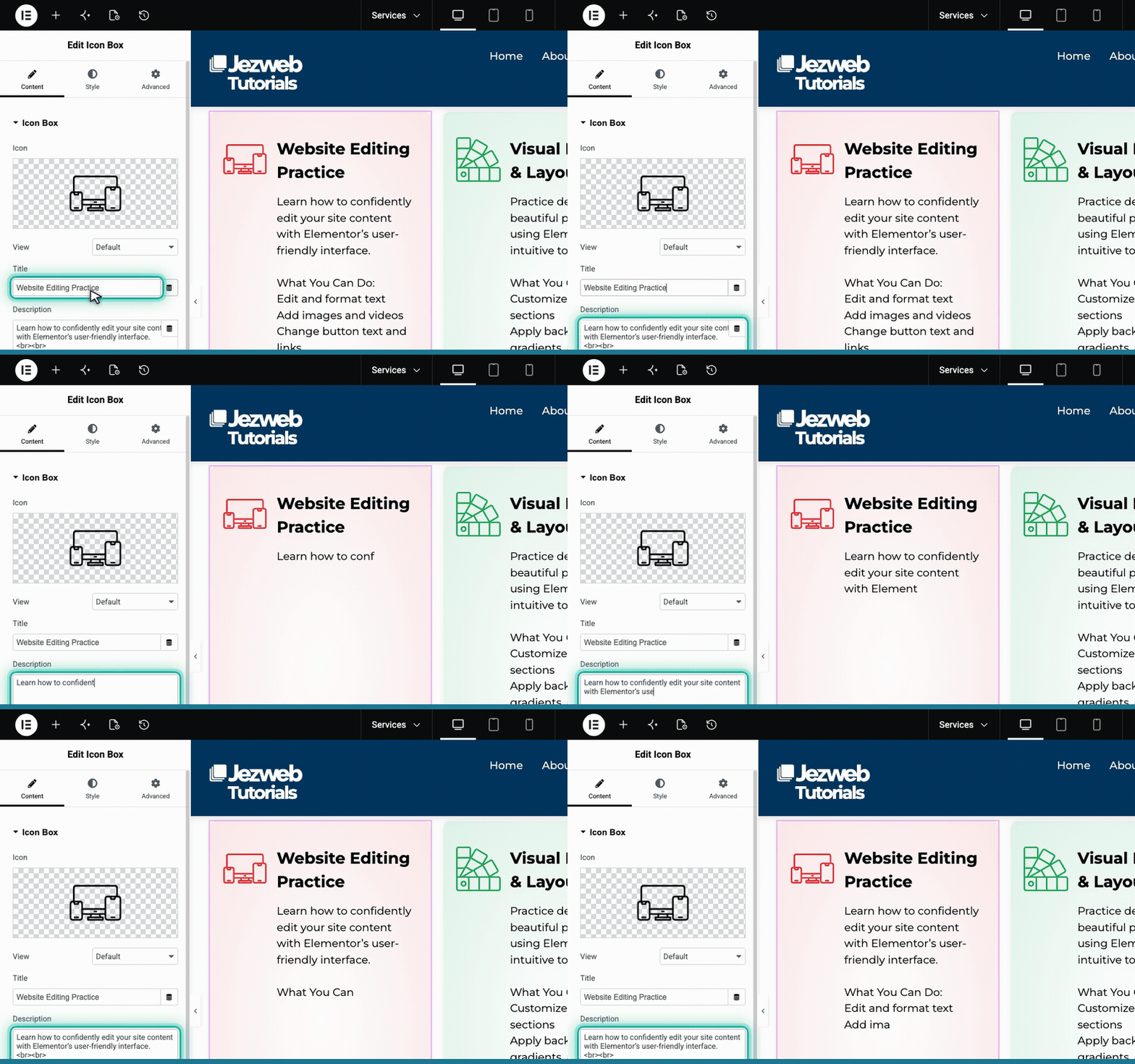
Step 5: Update the description (animation)
6

Save your changes

Click the pink button in the top right corner to save your changes and make them live.

Step 6: Save your changes (animation)
Tip: Try to keep your descriptions roughly the same length across all your feature boxes. This helps keep your page layout looking neat and balanced.