1
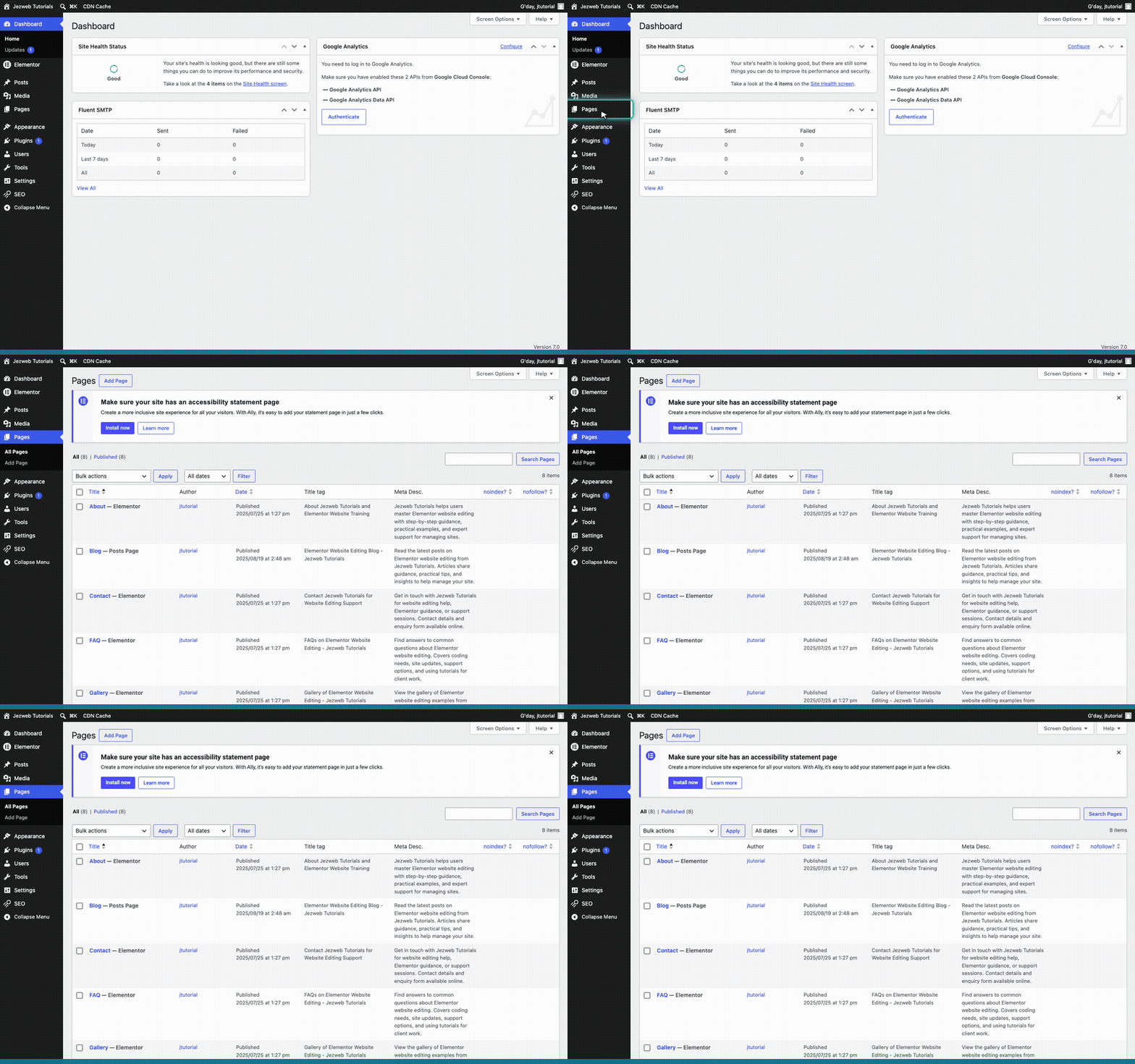
Open Pages
Click on Pages in the left menu.
2
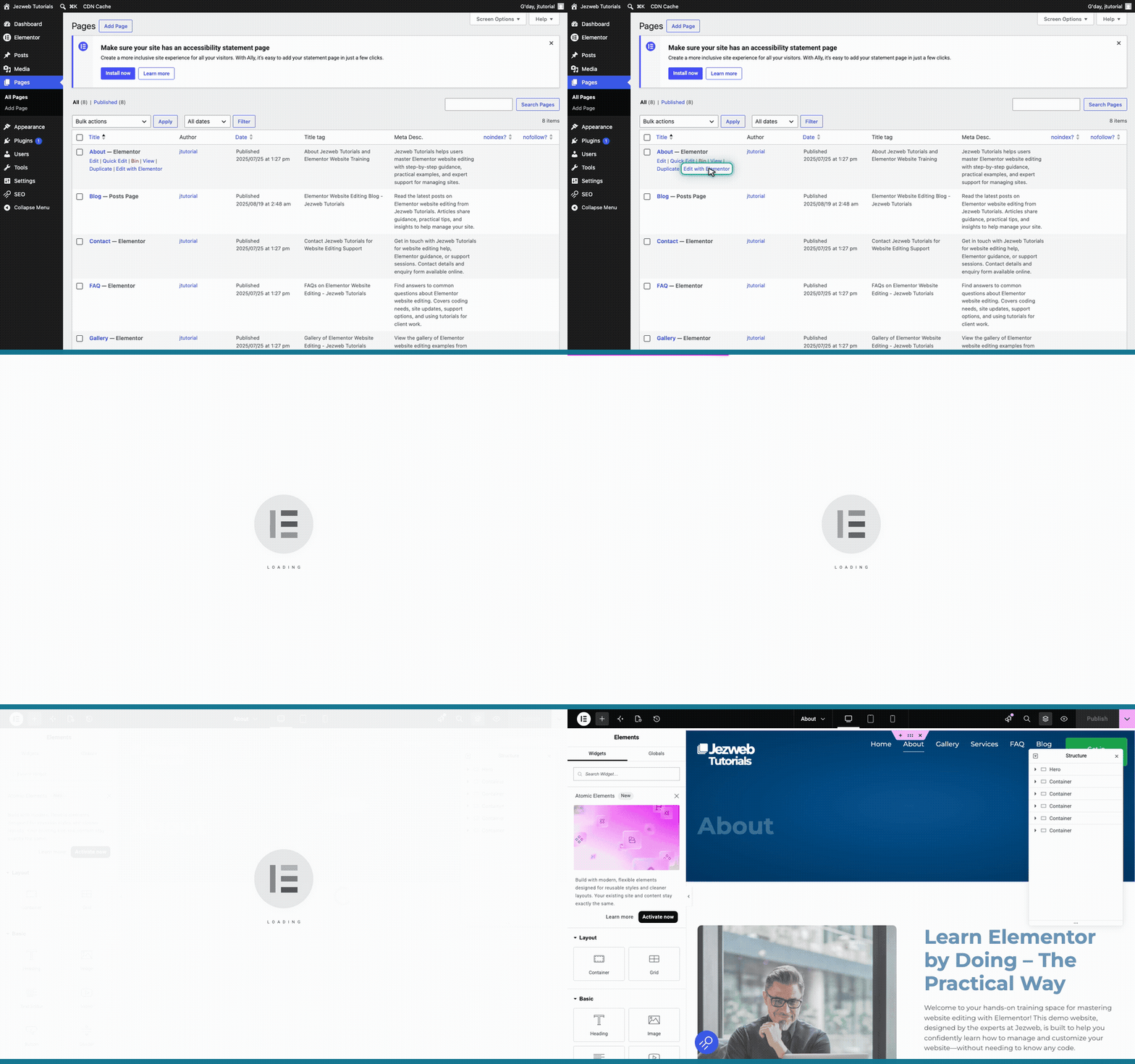
Open the About page in Elementor
Find the About page in your list, hover over it, and click Edit with Elementor.
3
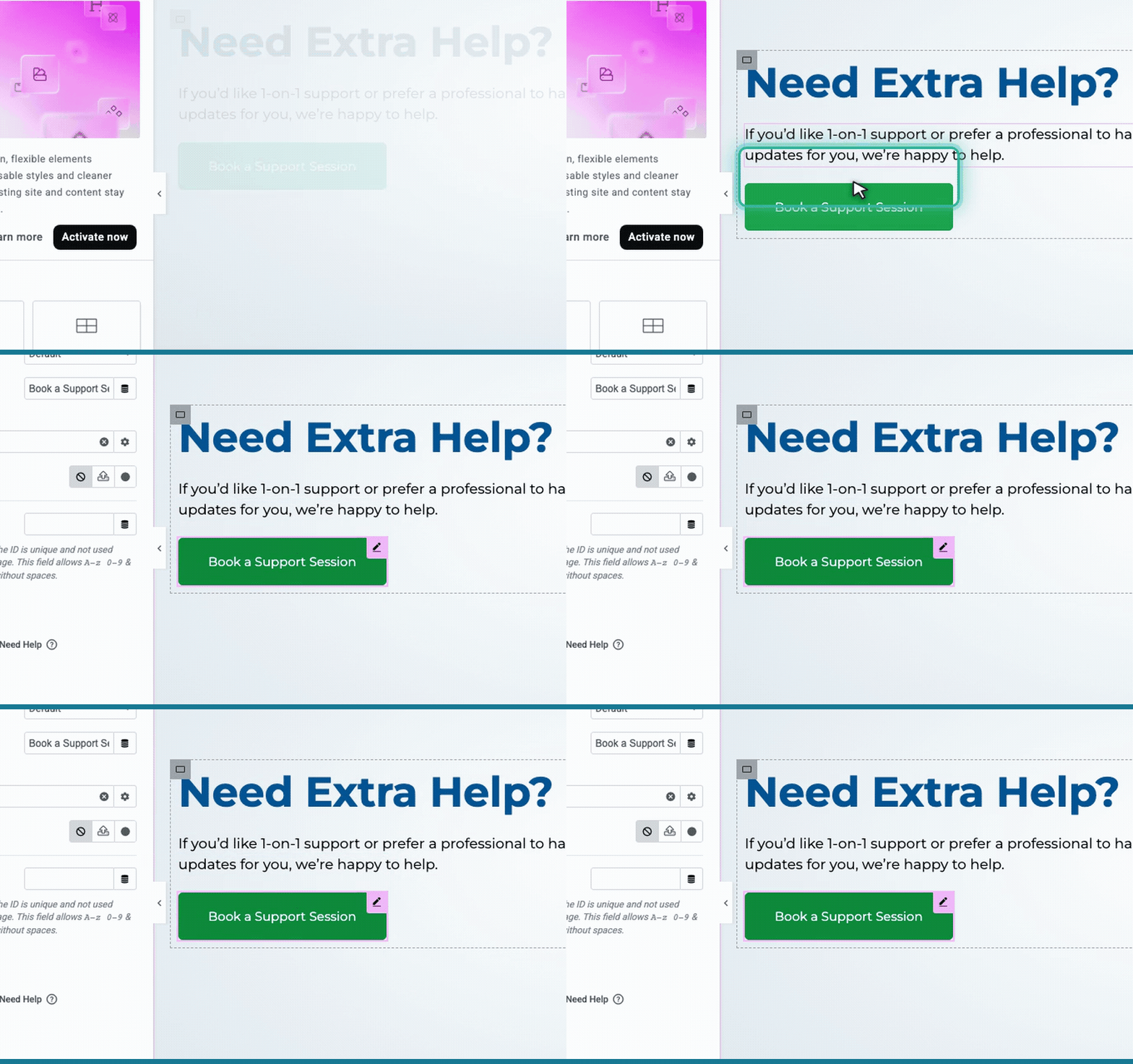
Select the button
Scroll down to the Book a Support Session button and click directly on it.
4
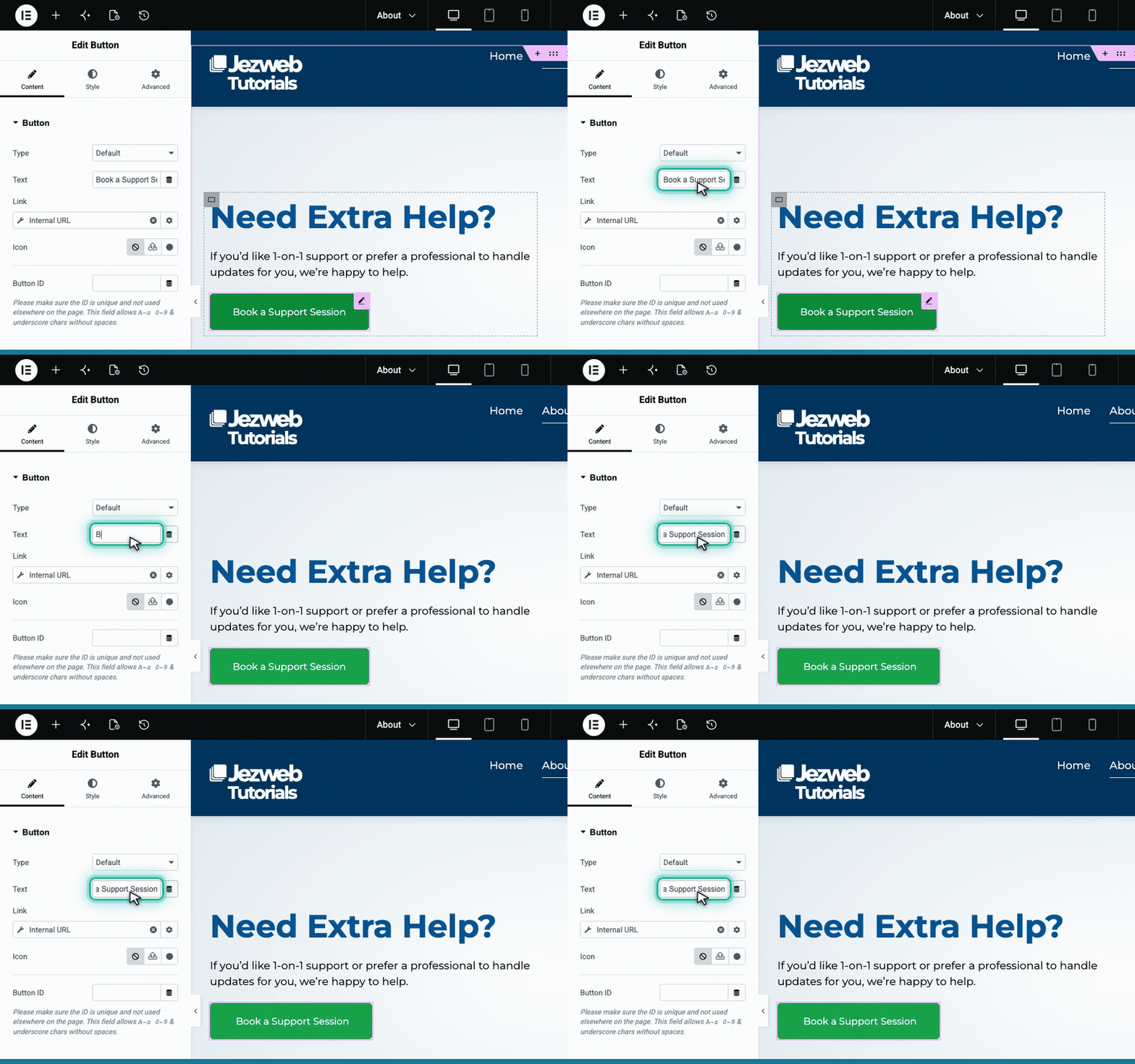
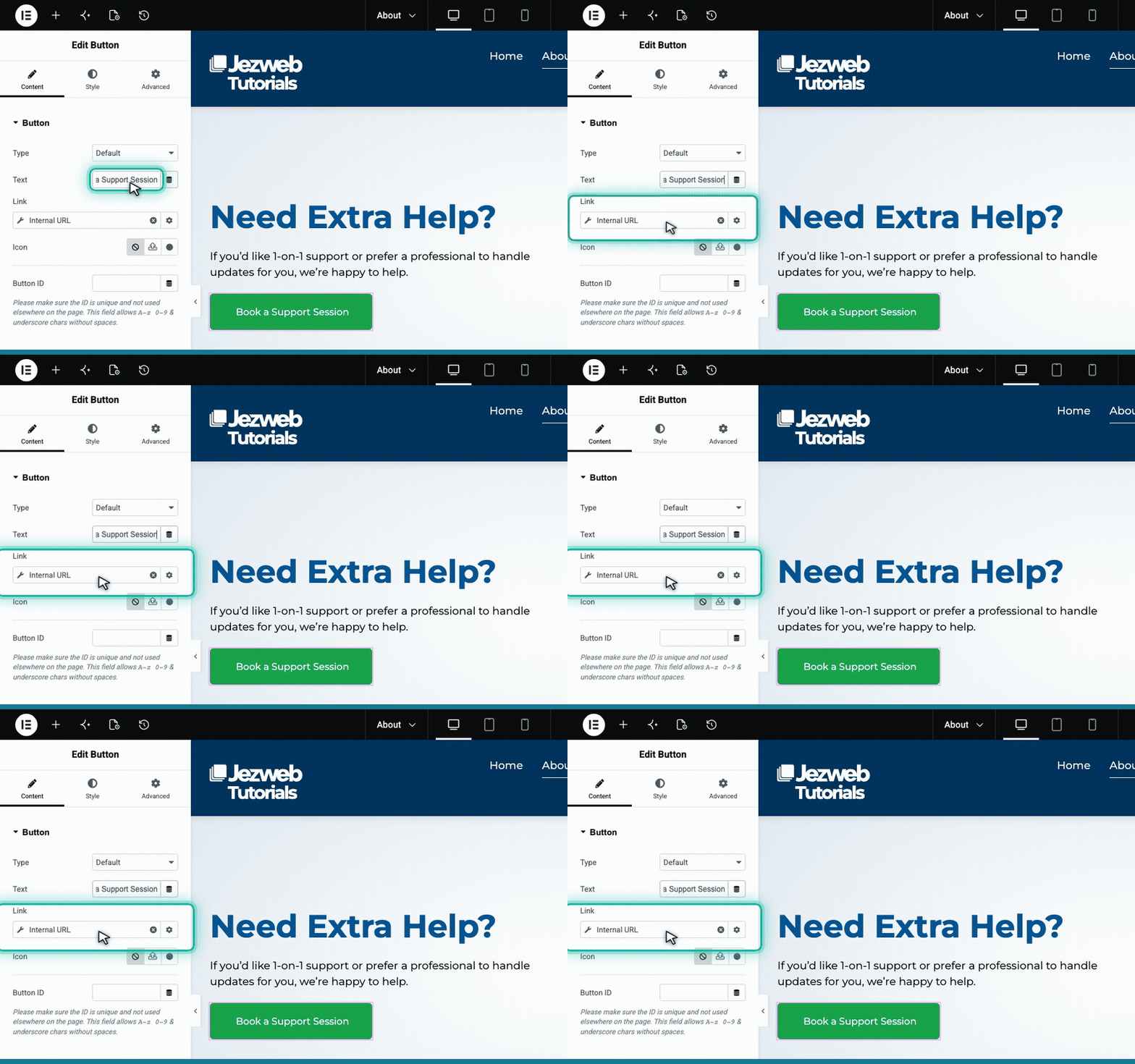
Change the button text
In the left panel, find the Text field and type your new button label.
5
Change the button link
Locate the Link field just below the text. Clear the old address and paste in your new URL.
6
Save your changes
Click the pink button in the top right corner to save your changes and make them live.

Tip: Always test your new link on the live website to make sure it goes exactly where you want it to.