1
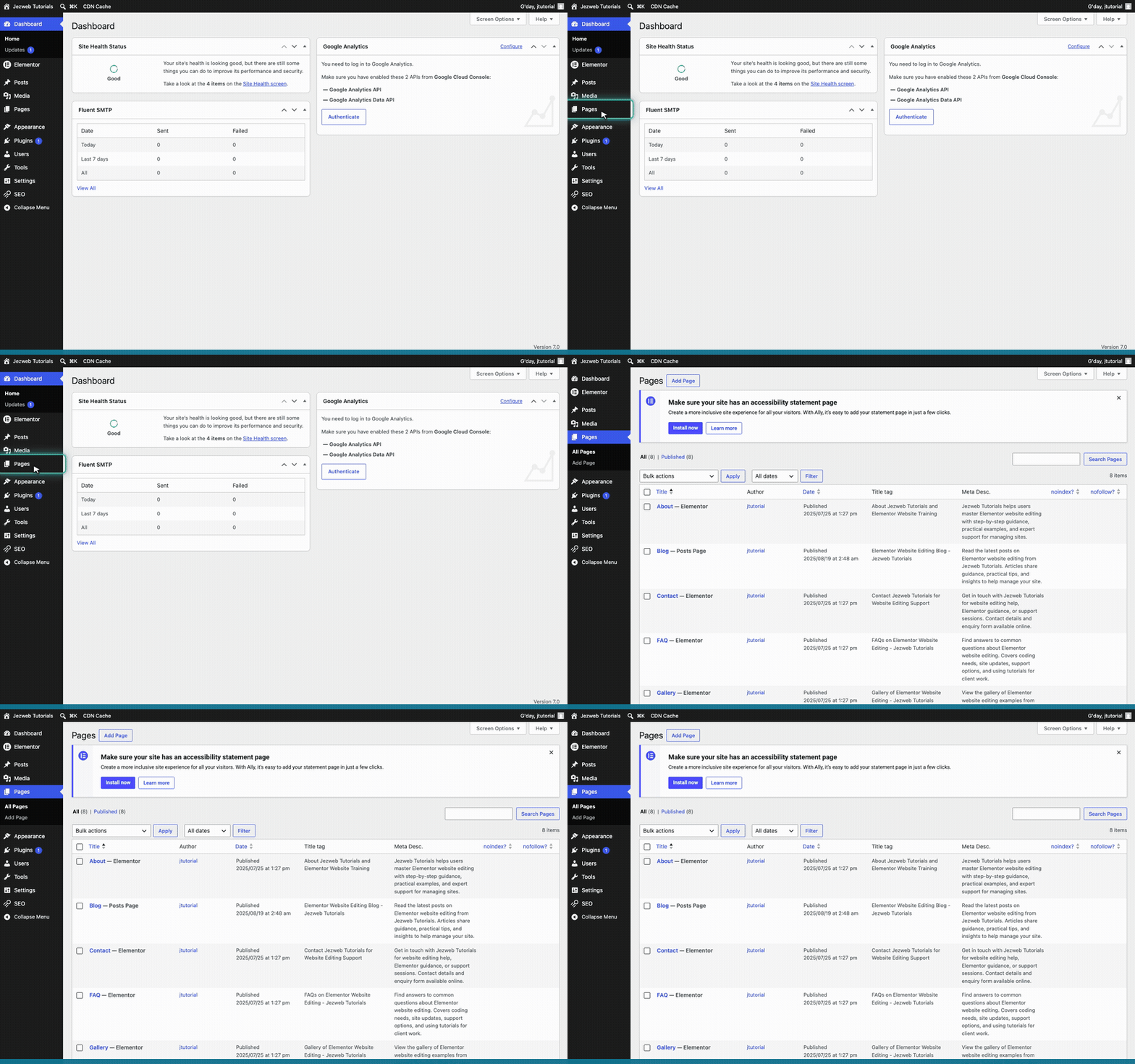
Go to Pages
Click on Pages in the left-hand menu.
2
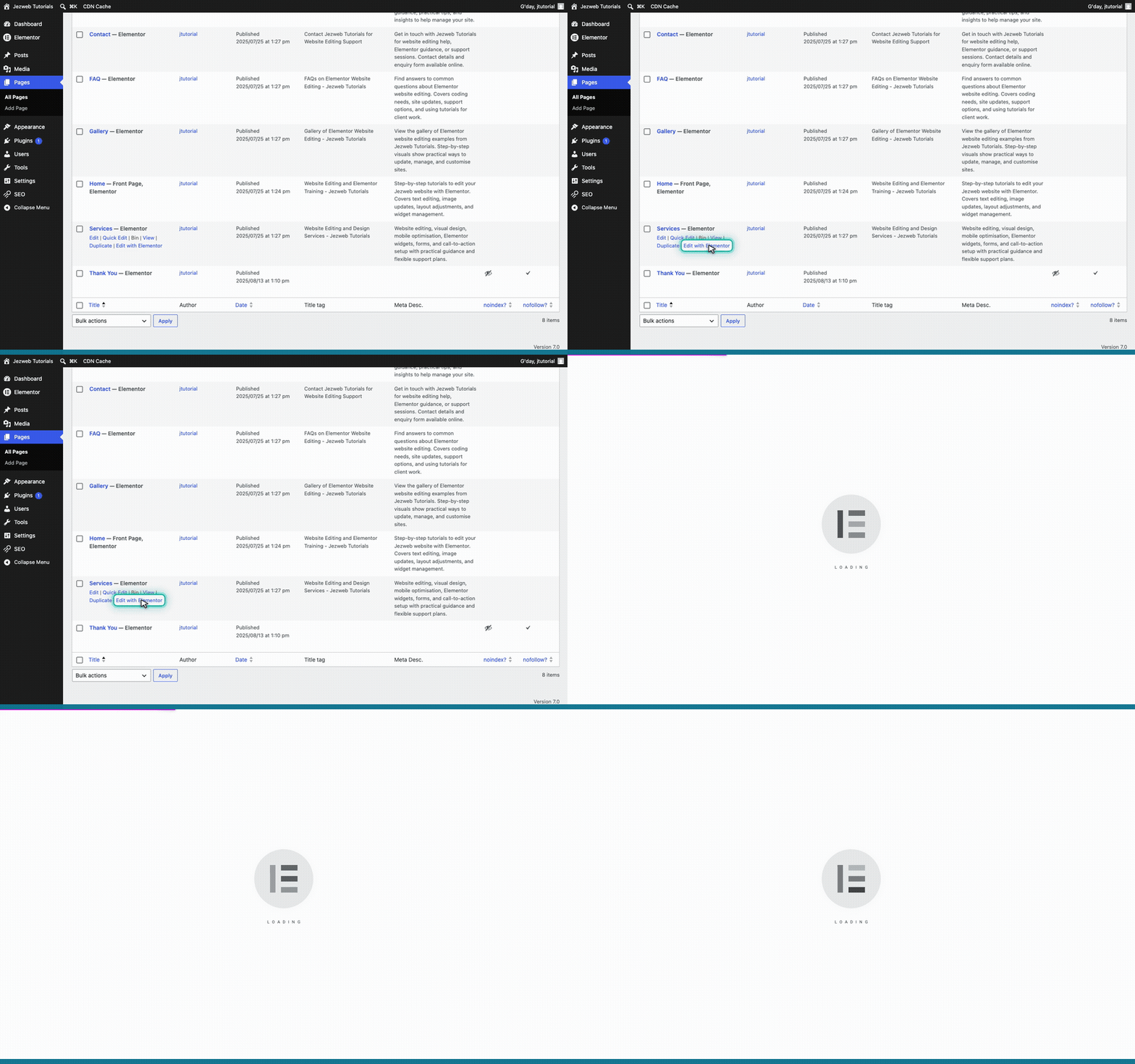
Open the Services page
Find the Services page in your list, hover over it, and click Edit with Elementor.
3
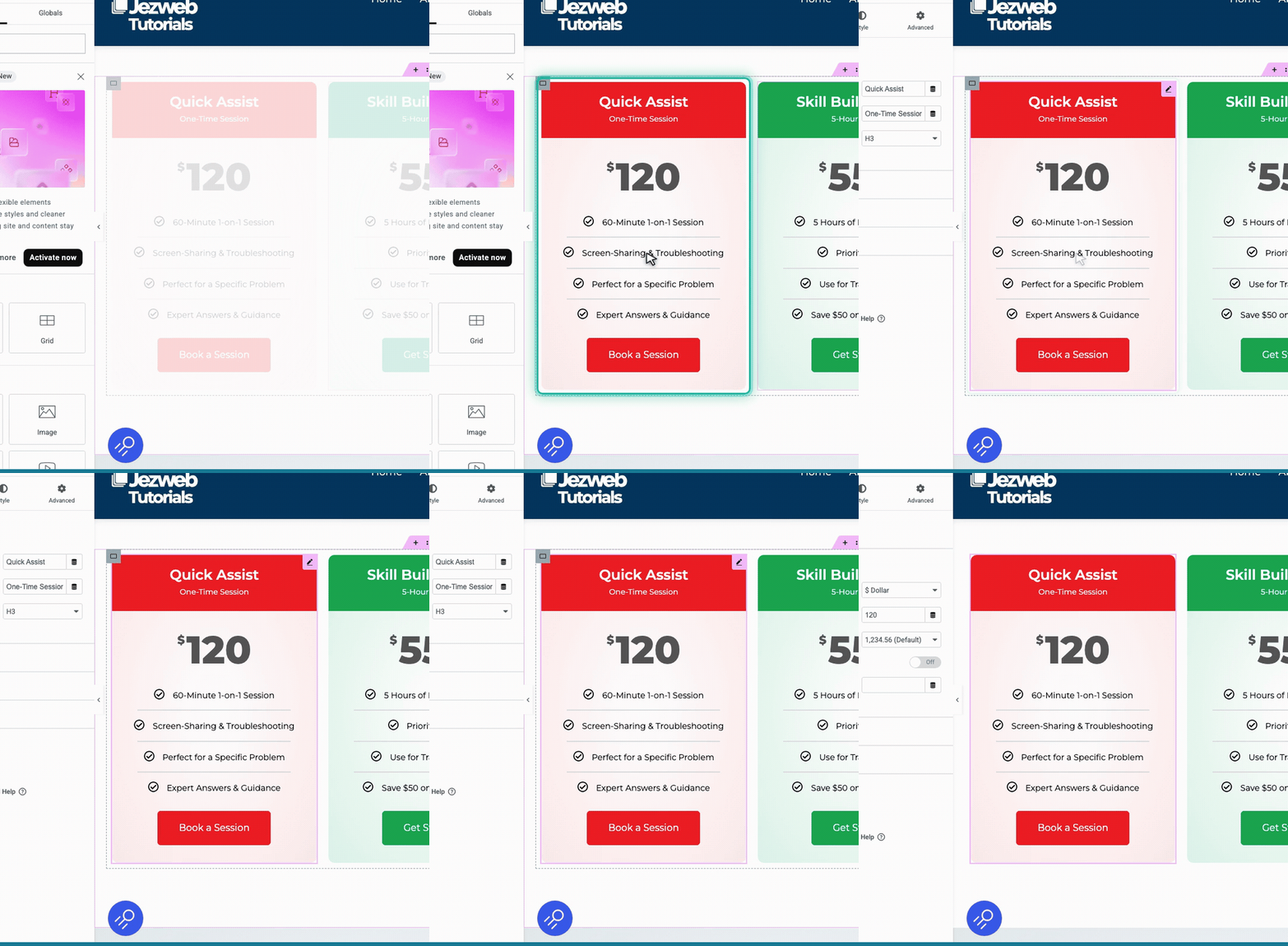
Select the pricing table
Scroll down to your support plans and click on the pricing table you want to change.
4
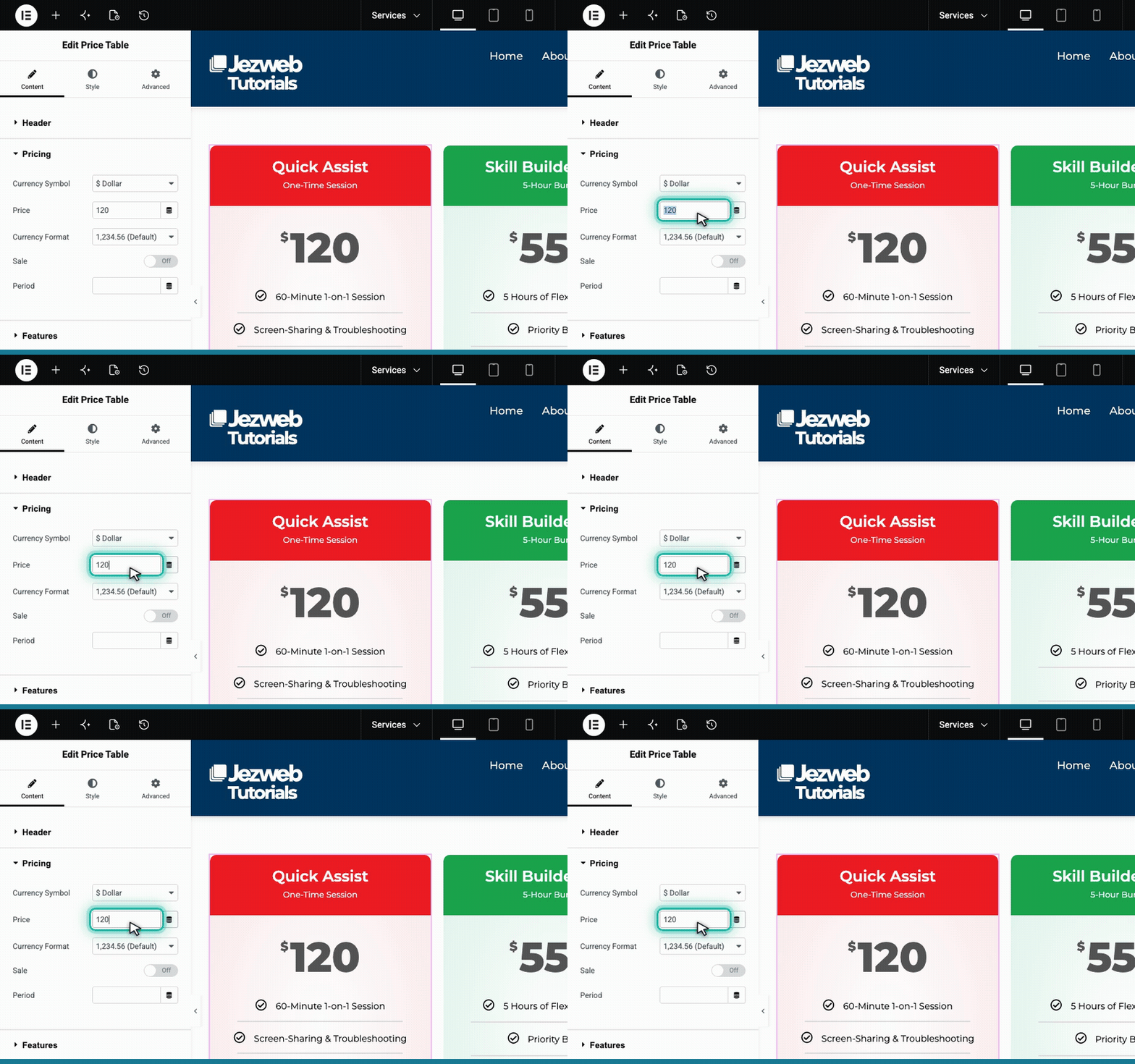
Update the price amount
In the left panel, find the Price field and type your new amount (numbers only).
5
Save your changes
Click the pink button in the top right corner to save your changes and make them live.

Tip: The currency symbol is set separately in the pricing table settings, so you only ever need to type the numbers when updating your prices.