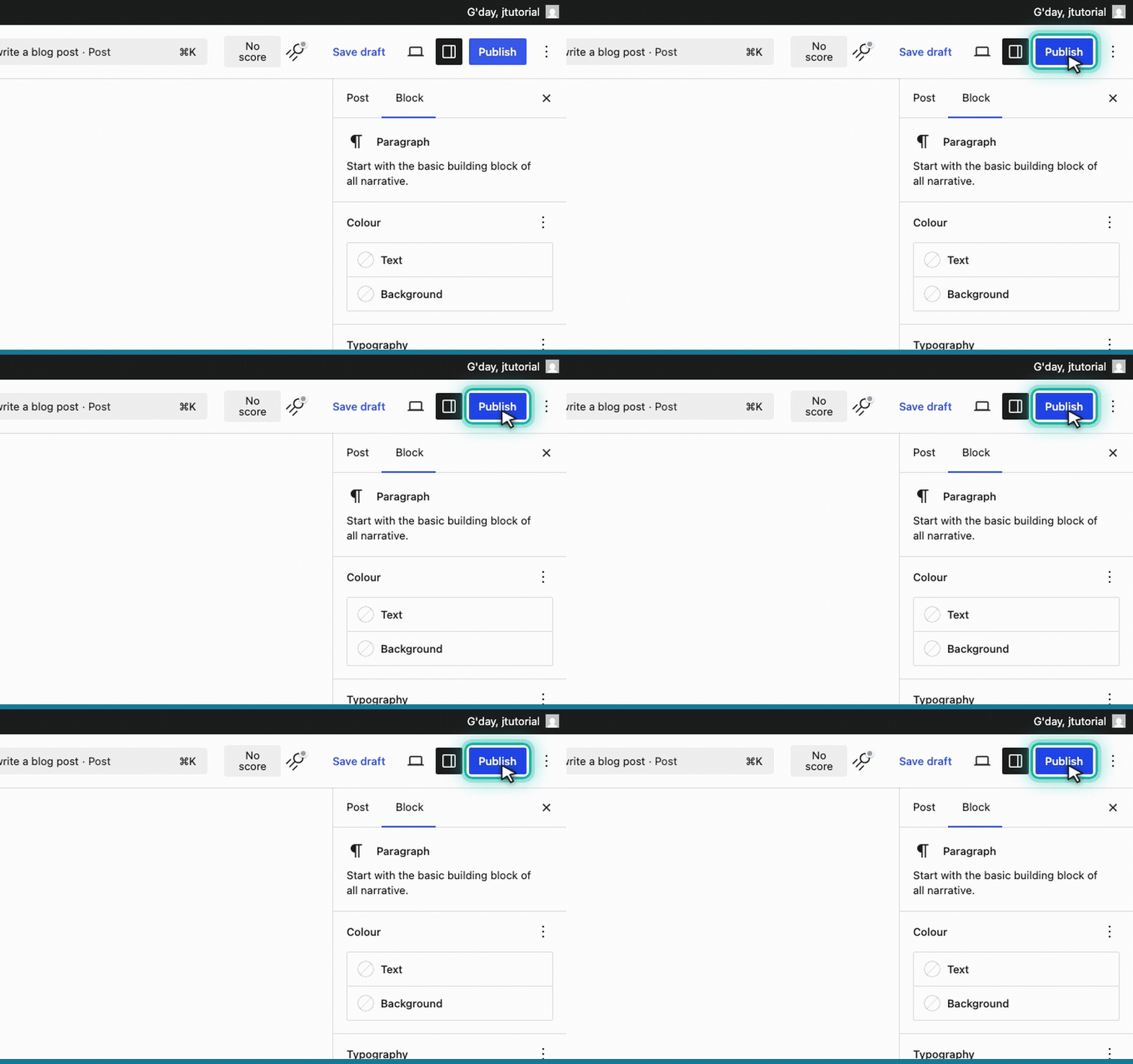
Go to Posts → Add Post
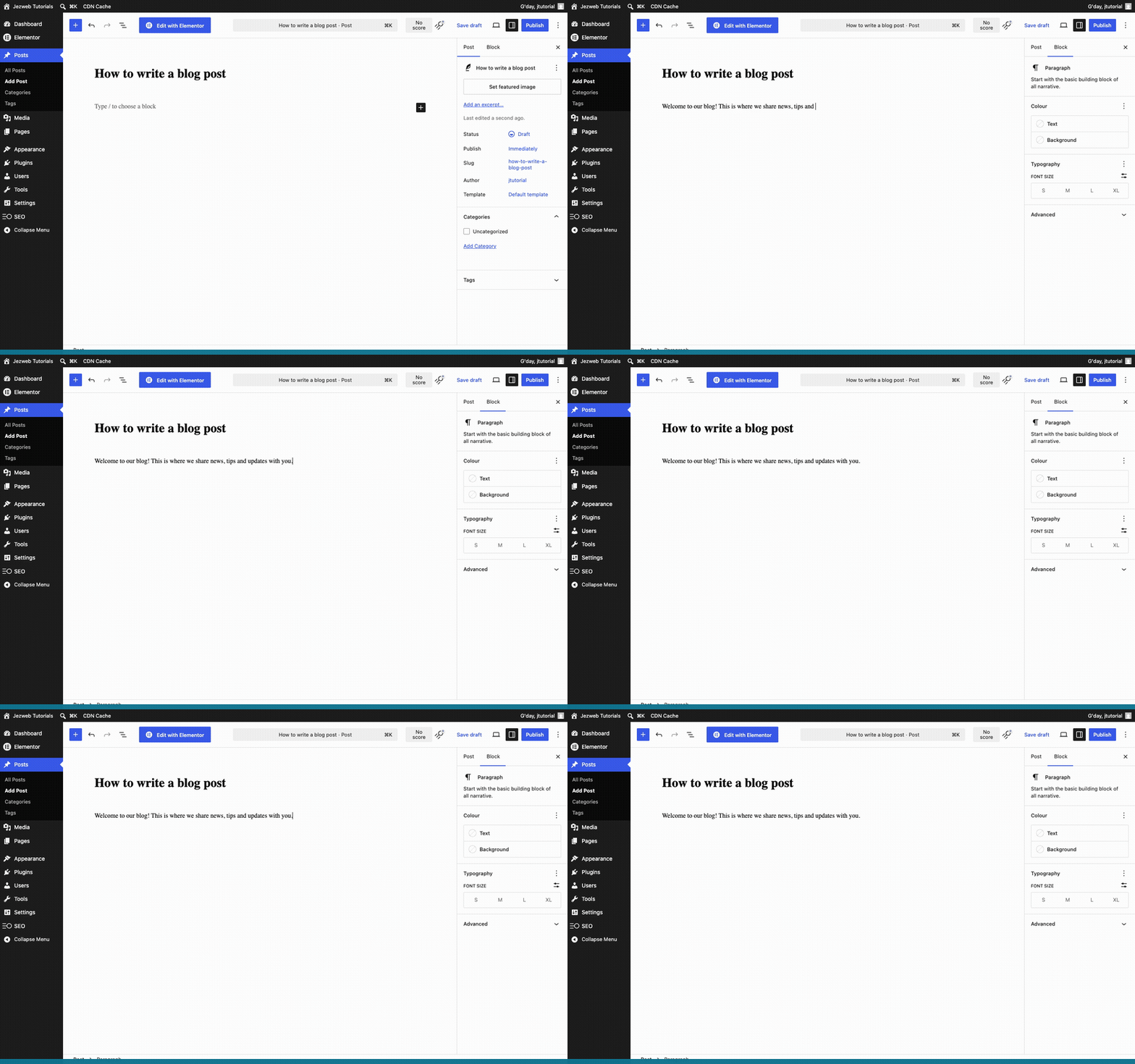
From your WordPress dashboard, hover over Posts in the left-hand menu and click Add Post. A fresh, empty blog post opens in the block editor, ready for you to write.
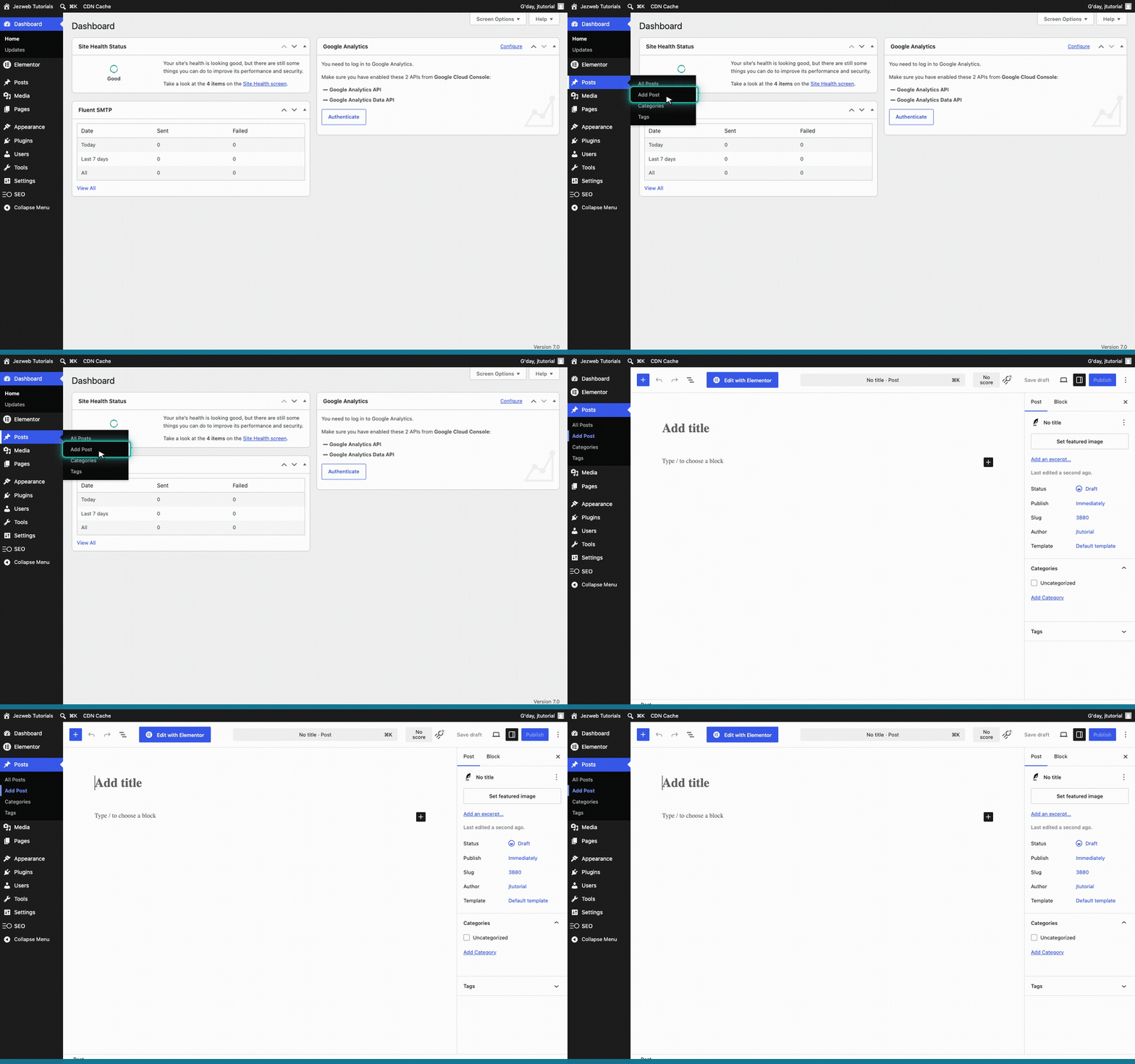
Meet the block editor
The large area at the top that reads Add title is where your headline goes. Below it, Type / to choose a block is where your post content starts. Everything in this editor is made of blocks — small, rearrangeable pieces like paragraphs, headings and images.
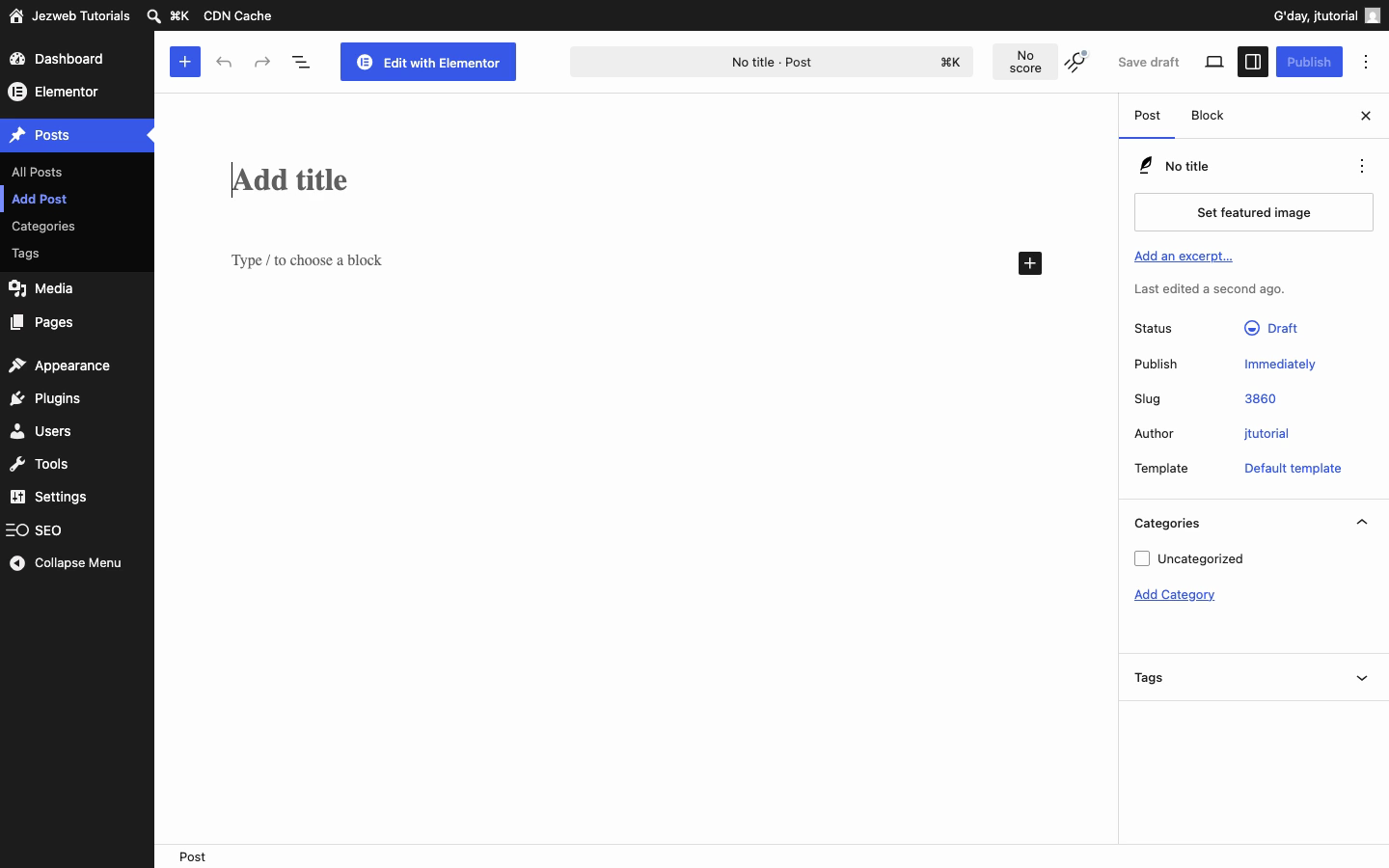
Give your post a title
Click the Add title area and type your headline — we'll use How to write a blog post. This is what readers see at the top of the post and in your blog listing, so keep it clear and inviting.
Write your first paragraph
Press Enter to drop down from the title into the body. WordPress creates a paragraph block automatically — just start typing. Each new paragraph is its own block, so you can move, style or delete them independently.
Tip: every piece of content is a block. Press Enter for a new paragraph, or click the + button to insert a heading, image, list, quote, button and more — building your post up block by block.
Publish when you're ready
When your post is ready, click the blue Publish button in the top right and confirm. Your post goes live on your blog straight away.
Tip: before publishing, click Preview (next to Publish) to see exactly how your post will look to visitors — a quick check that catches typos and layout surprises.